Check your headset before buying a Mac battery utility
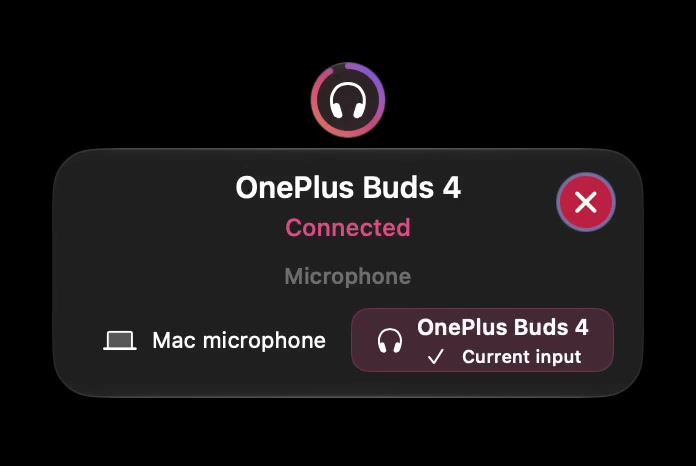
Before paying for a battery utility, find out what it can read from your exact headset on your Mac. A phone percentage, a recognised device name or an illustration of the same model does not establish that a Mac app can obtain a usable battery reading.
SoundBuddy is our product. Its battery information depends on the readings exposed through macOS or the device driver. This checklist helps you decide whether it fits your battery-status need before buying for that purpose.
Complete a fit record
| Question | What to record | Why it matters |
|---|---|---|
| Exact device | Full model and relevant firmware, if known | Similar names can refer to different hardware |
| Mac | Chip family and macOS version | App and device behaviour depend on the setup |
| Existing reading | Where a percentage is visible, if anywhere | A phone reading is not a Mac-app result |
| Required components | Headset, each earbud, case | One reported component does not prove all others |
| Required outcome | Percentage, connection status or something else | Different goals need different evidence |
| Utility evidence | Actual tested setup and version | A logo or supported-looking picture is insufficient |
An empty field should stay unknown. Do not fill it with an estimate to make a buying decision appear more certain.
Start with a built-in or maker-supported check
For AirPods, Apple provides model-specific charge-status instructions in its charging guide. For other headphones, consult that manufacturer's current instructions. This is a reason to look for relevant evidence, not a recommendation to install unrelated utilities or reset Bluetooth preferences.
If the Mac shows a value, note the screen and the component it refers to. If only the phone shows one, record that distinction. If no source shows one, state that you have not obtained a reading rather than concluding the device is defective.
Ask a narrow pre-purchase question
Use this format: “I have model X on macOS Y. I need a reading for component Z. macOS currently shows A. Has this exact combination been verified with the current SoundBuddy installer?” Keep serial numbers, licence keys and private device names out of public comments.
A useful answer identifies the tested hardware and build, explains the limit or says that support remains unverified. It should not turn one successful connection into a universal battery claim.
Know SoundBuddy's boundary
SoundBuddy does not estimate remaining runtime. Device-dependent readings do not establish battery health or a guaranteed duration for the next call. Buy for a capability you can verify or for another workflow you value, such as microphone choice, rather than an assumed missing percentage.
Use the existing battery guide for checks and paired versus selected states if the connection itself is unclear.
Next step: complete the fit record and ask about the exact missing capability before buying for battery status alone.