New native captures, clearly labelled production UI previews and original illustrations are from 25 October 2026. Historical captures retain their 21 October date. These are not a live connection to your devices; the installer may differ. Local reference recordings are excluded from the distribution sound library.
At home, from the first hello.
A short setup. Your choices. Change them anytime.
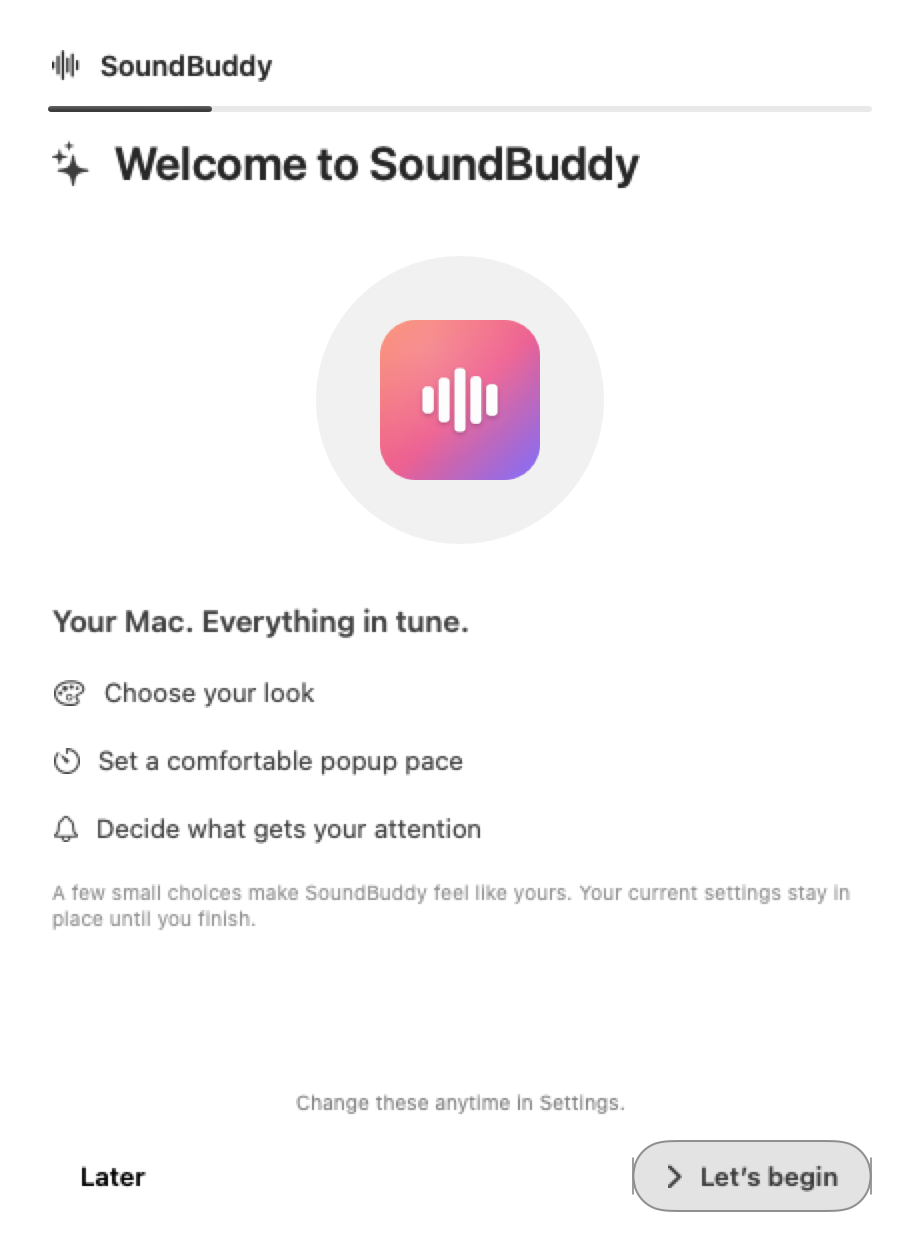
Welcome
A short introduction to your Mac companion.
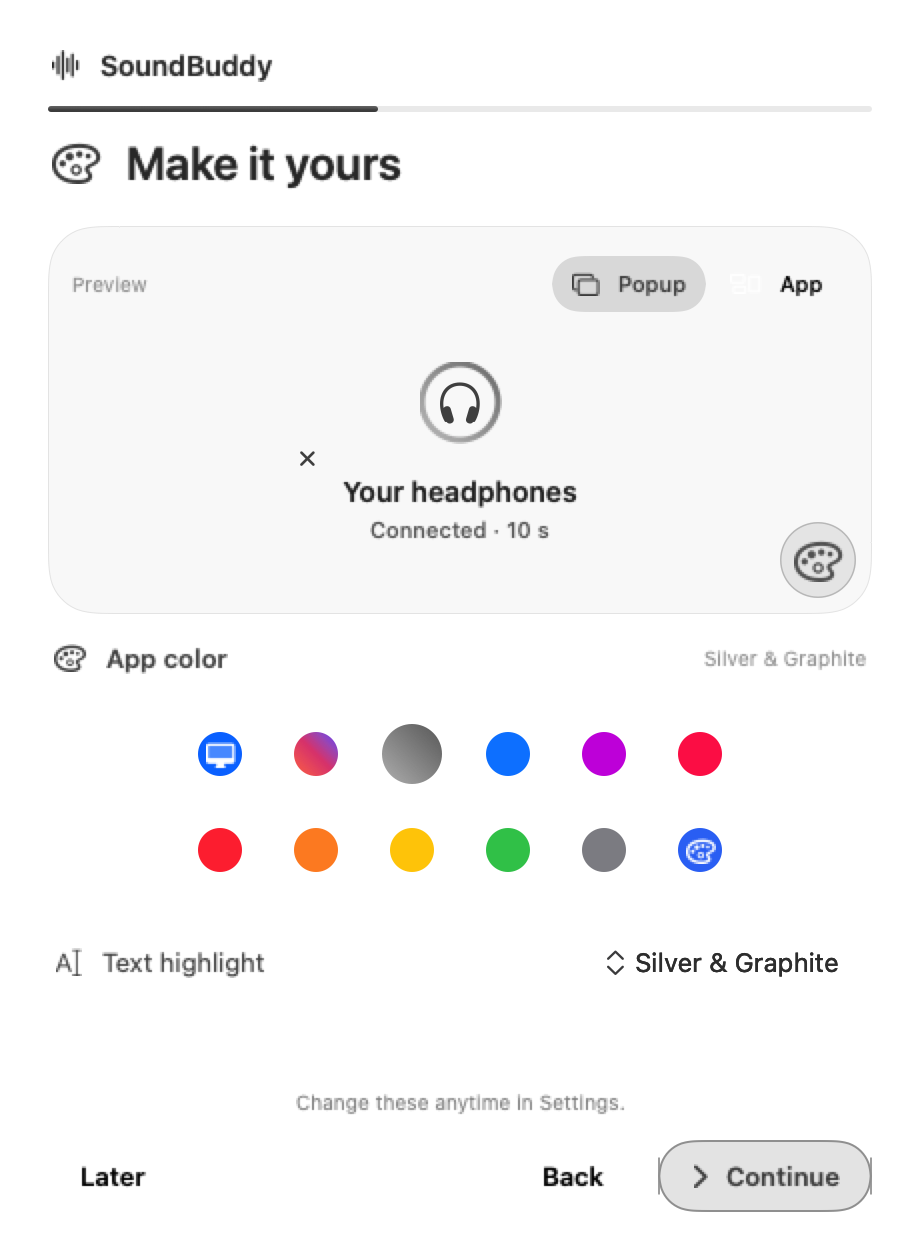
Make it yours
Choose the accent and text highlight you like.
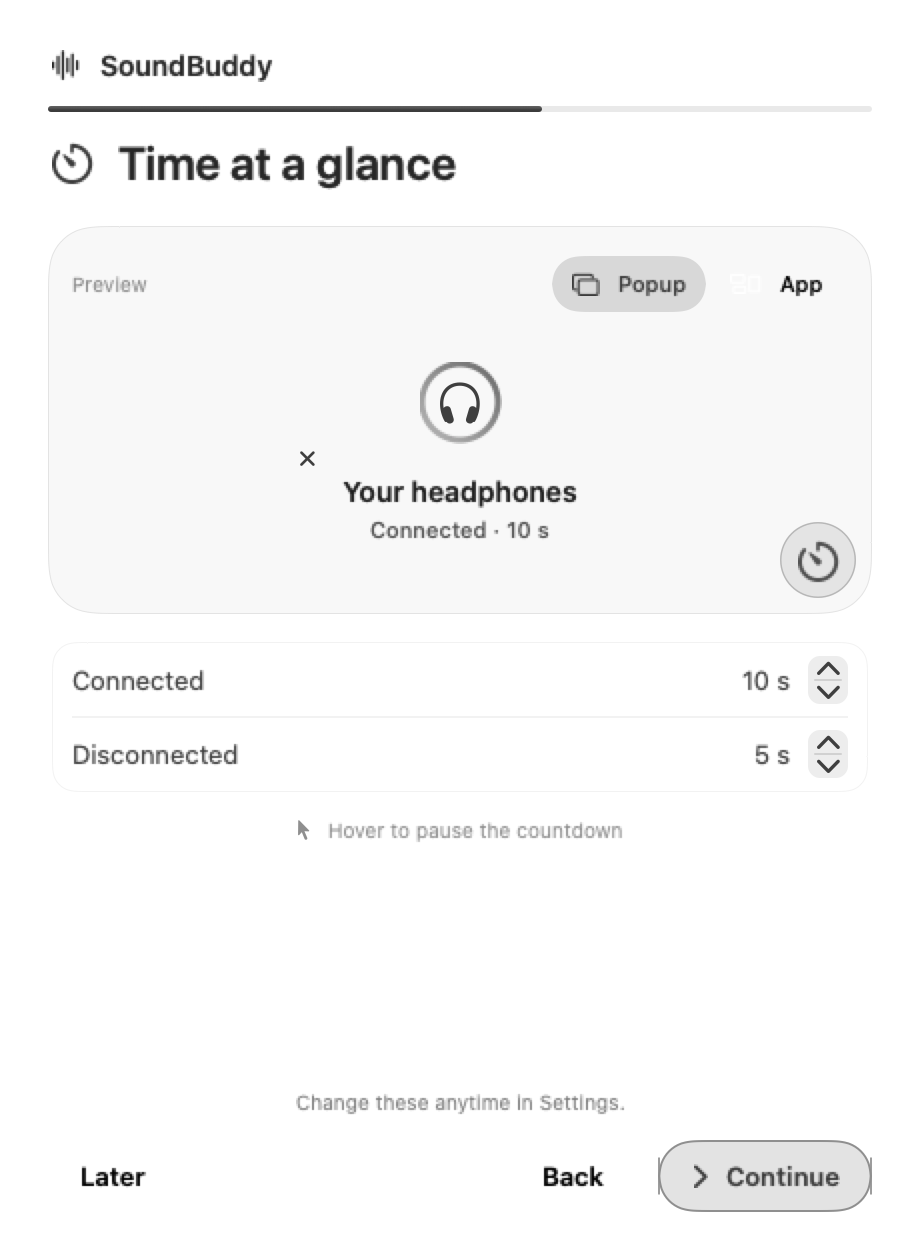
Time at a glance
Give connected and disconnected popups a comfortable pace.
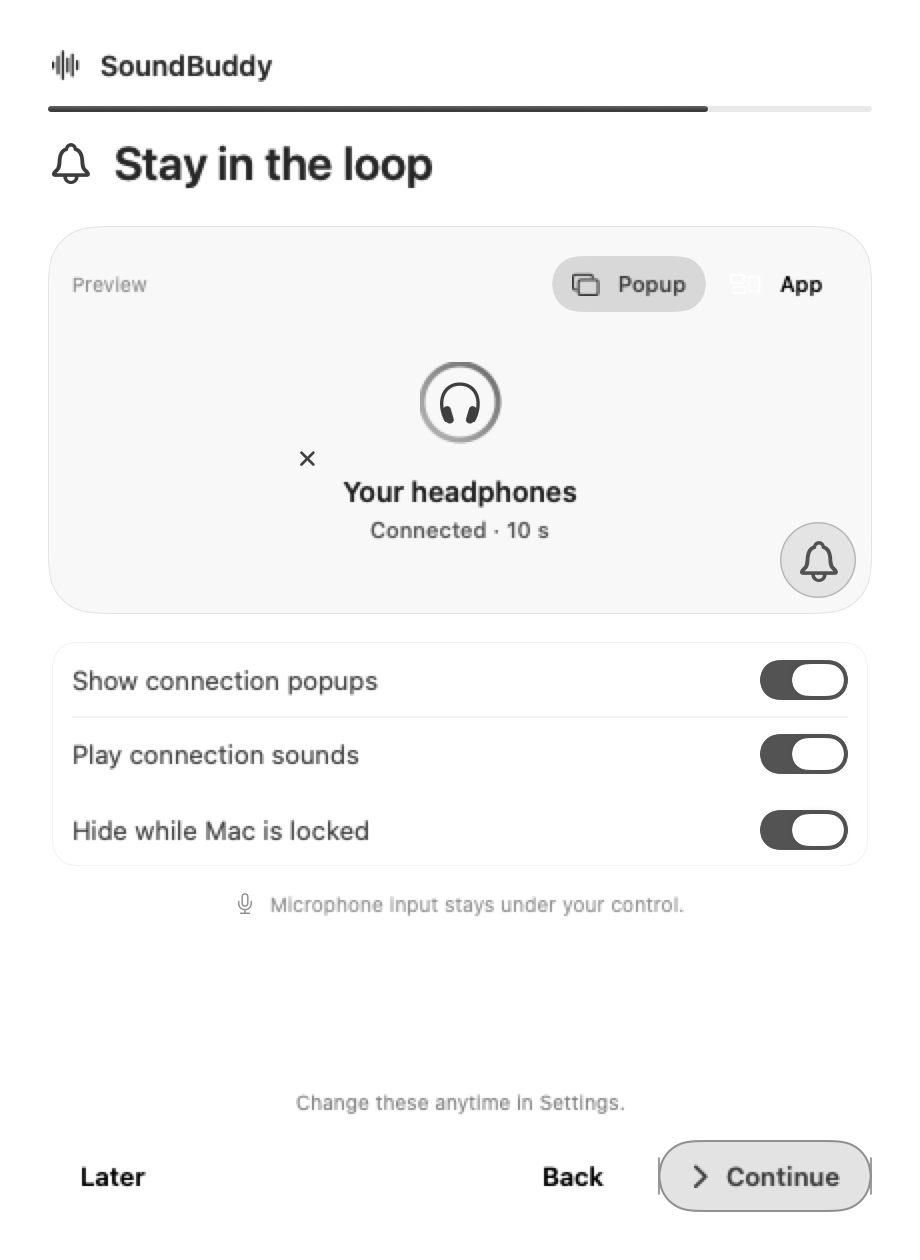
Stay in the loop
Decide which updates get your attention.
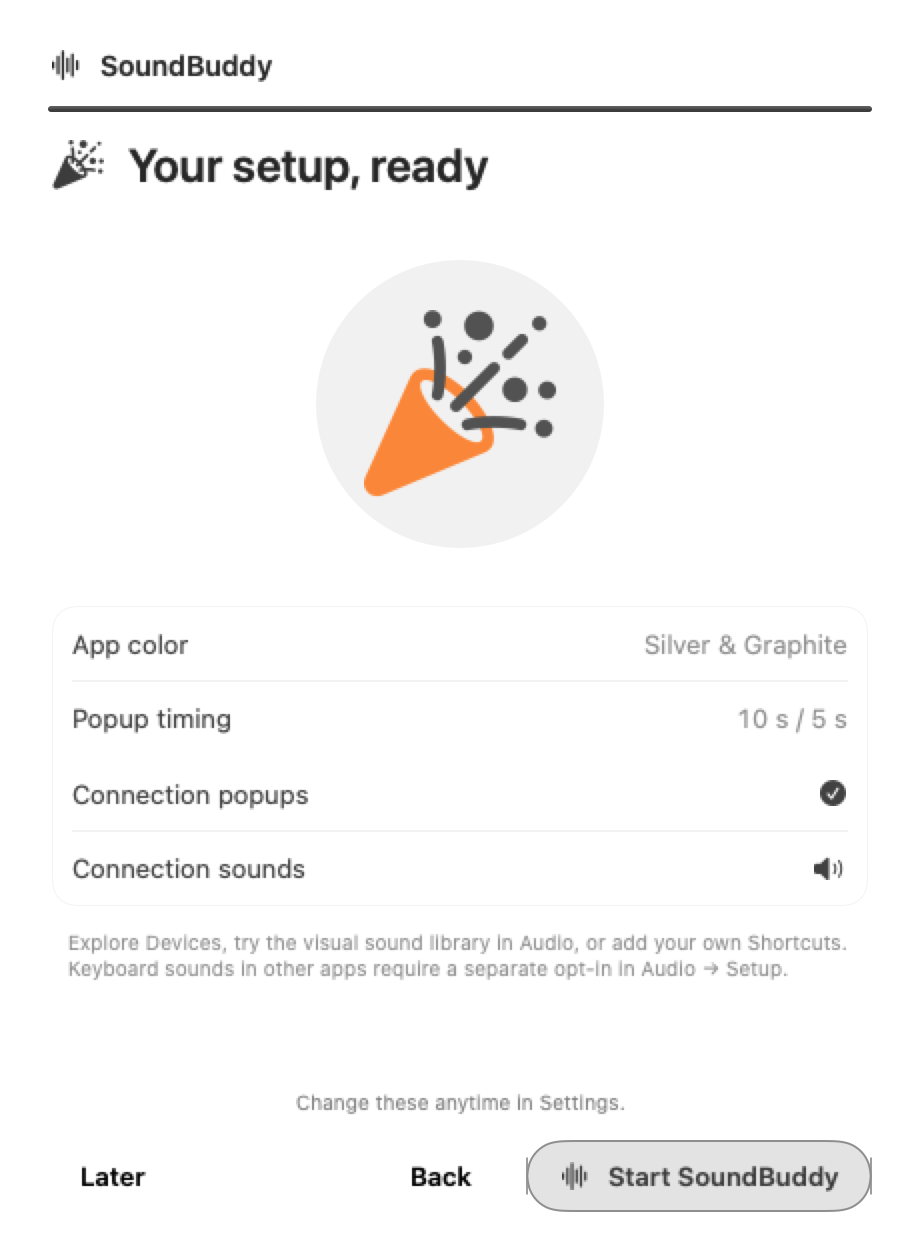
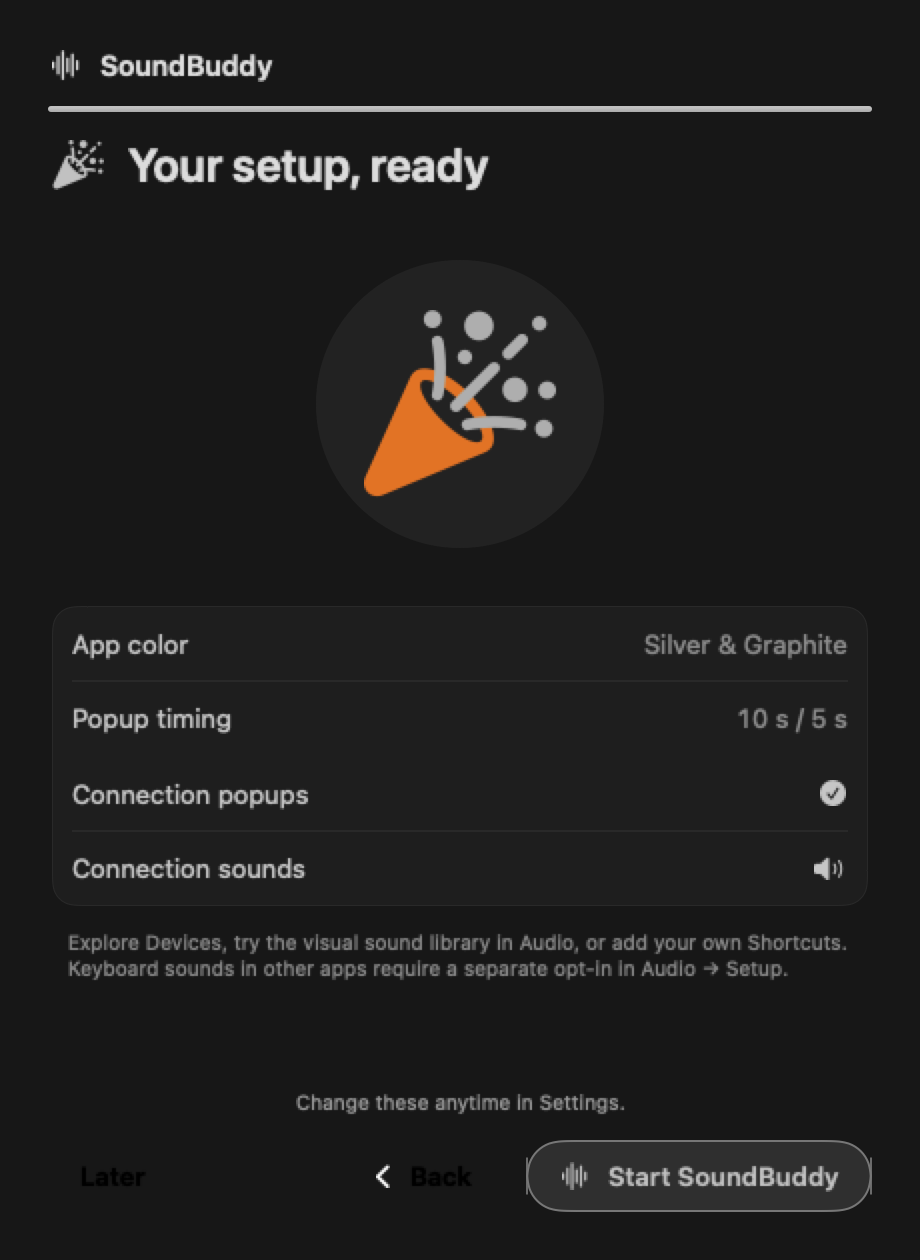
Your setup, ready
Review your choices, then start SoundBuddy.
Production UI previews · 25 October 2026. Setup choices apply at Start; keyboard permissions are a separate opt-in.
Your choices, ready to go.
Review your app color, popup timing, connection popups, and sounds before starting SoundBuddy. Change them anytime in Settings.
Production UI preview · 25 October 2026. Web recreation using SoundBuddy’s actual four-second confetti physics.
Try the effect from the app’s welcome flow.
The little things, all in one place.
Explore the development build. Availability can differ by release.
Menu-bar controls
Open device status, the dashboard and Settings from a compact menu. Native contextual actions stay close to the menu-bar icon.
Devices and details
See paired and connected devices and request connect or disconnect. Availability and battery reporting depend on macOS and the device.
Microphone and Input Lock
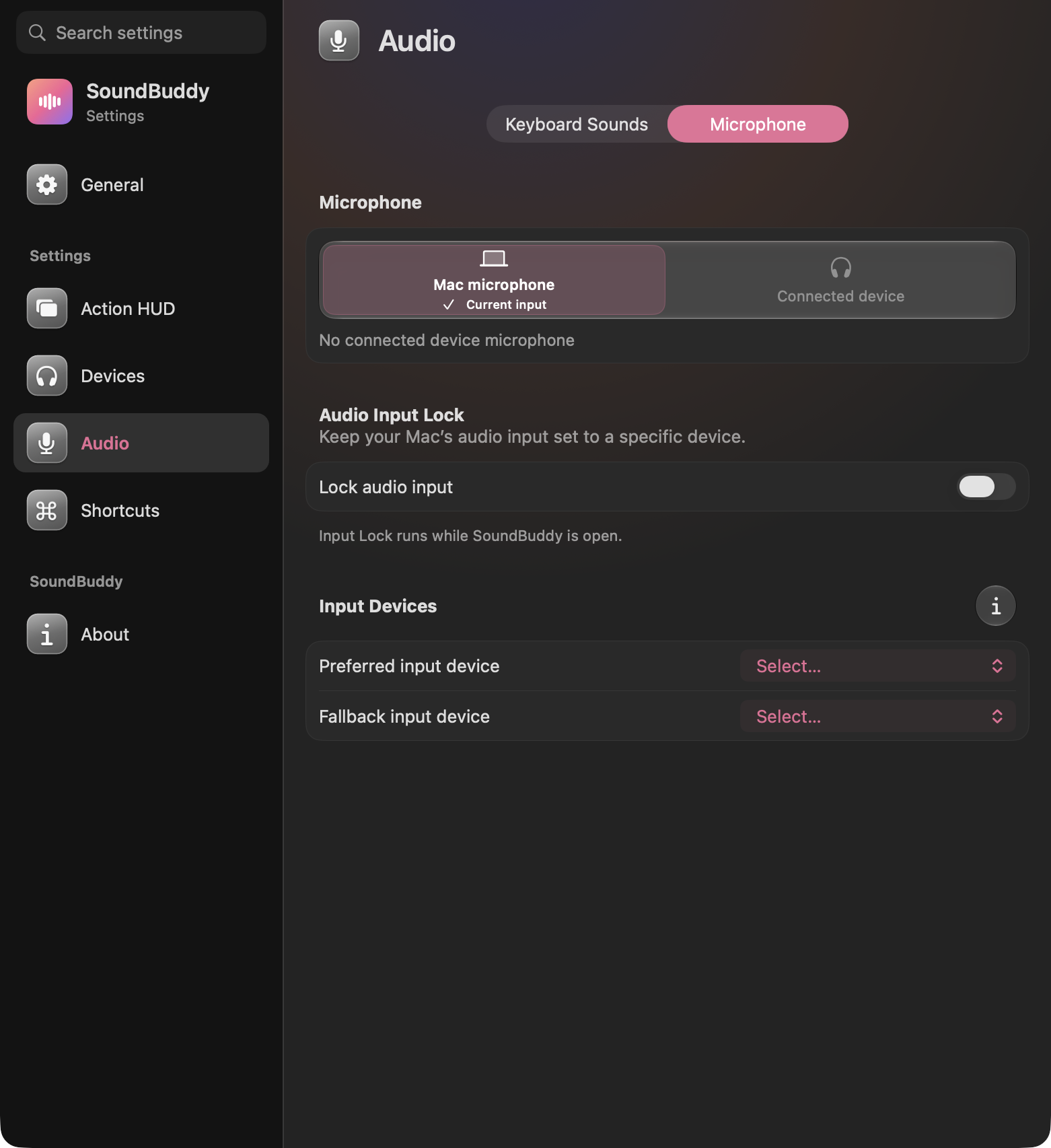
Choose the default microphone, with optional preferred and fallback inputs. Call apps may use their own settings.
Keyboard sounds
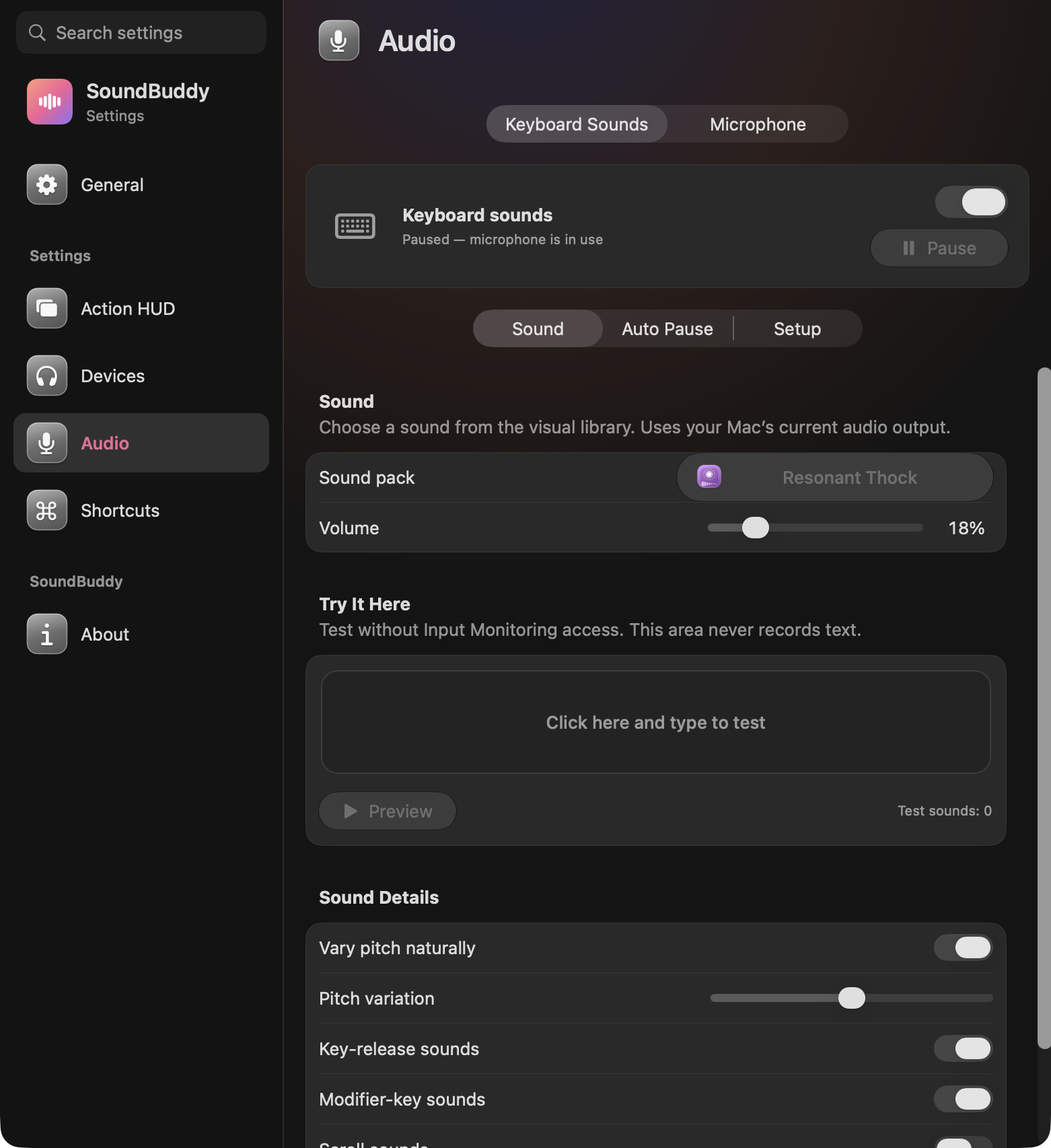
Choose a pack and volume, pause or resume, preview one sound and type in the local test pad. Global sounds need explicit Input Monitoring setup.
The visual sound library
Browse original illustrated tiles, search by title and narrow the list by sound family. The available catalogue depends on the build; local reference recordings are excluded from distribution.
Sound details
Adjust pitch variation, release and modifier sounds, scrolling and the typewriter ding where the selected pack supports them.
Automatic quiet
Keyboard sounds can pause for microphone use or Bluetooth audio output. Screen lock, sleep, inactive sessions and Secure Input are protected conditions.
Connection popups
Choose size, position and display time, automatic connection updates, connection sounds and suppression while the Mac is locked.
Volume and brightness
See volume, mute and supported built-in-display brightness changes, with animated level rings and percentages. macOS still controls its own HUDs.
Device artwork
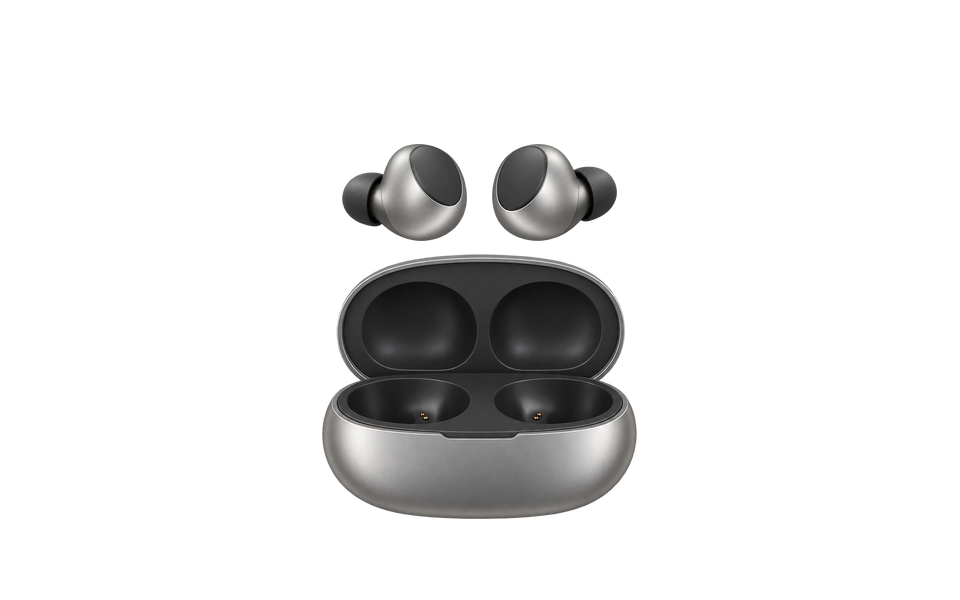
Original shared earbuds and headphones illustrations cover category fallbacks. Artwork does not establish exact-model hardware support.
Menu-bar identity
Choose SoundBuddy, Classic, Mac Battery or No Icon, and decide whether the icon animates.
Colour and highlights
Choose a system, original, silver/graphite or custom accent and a separate text highlight. Preview changes inside the app.
Accessibility and quiet motion
Reduce Motion, Reduce Transparency, larger battery text and Liquid Glass preferences. System accessibility and power settings also influence decoration.
Settings that stay in place
Six destinations in a grouped sidebar, searchable controls and persistent page state. Ordinary Settings pages have no progress meter.
Local shortcuts
Record, clear, cancel and save shortcut drafts. Current shortcuts apply inside SoundBuddy; they are not global hotkeys.
A five-step welcome
Welcome, appearance, timing, notifications and review. A single completion line guides setup; choices apply at Start SoundBuddy.
A little celebration
Finite step artwork and a four-second screen-wide confetti launch from both lower sides. Quiet settings suppress decorative motion.
Licensing and About
Build and licence information stay in the app. Check the exact release notes and checkout availability before choosing a build.
Clear data boundaries
Device preferences work locally. Build 25 ships without PostHog ingestion settings; usage sharing is off by default and automatic remote crash reporting is disabled. Internet is required for licence checks. Microphone selection does not record voice. See our privacy policy for website analytics and purchase data. Privacy policy