Before spectral cleanup in Audition, check your selection

A bright patch in a spectrogram gives you a place to investigate. Before changing it, save an untouched source and choose a short passage where you can hear both the unwanted sound and the material you want to keep.
Write down the purpose of the edit. “Reduce this brief interruption while keeping the end of the word” is a more useful starting point than “make the picture look clean”. Keep that listening goal beside the display throughout the comparison.
Separate the view, selection and change
Adobe's Waveform Editor display guide describes the spectral display in terms of time, frequency and amplitude. Use those coordinates to locate a passage for listening, rather than treating a colour as a diagnosis.
The same guide distinguishes display controls from changes to the recording. Its Decibel Range preference changes the visible range. Spectral Resolution changes the balance between frequency detail and time precision. Record those choices when a display looks different between comparisons.
| Question | Inspect | Record |
|---|---|---|
| What can I see? | Spectral display preferences | Display range and resolution |
| What have I selected? | The tool and selected area | Time span, frequency area and channels |
| What did I change? | The particular editing operation | History state and listening result |
For technical background, Julius O. Smith's STFT time-frequency chapter explains how window length and type determine the resolution of a time-frequency representation. That is useful context when reading more or less detail in a plot.
Make the listening selection explicit
Adobe's audio selection guide distinguishes a time selection from a spectral selection. Its Marquee tool selects a rectangle; Lasso and Paintbrush support free-form areas. Inspect the selected area before applying an operation. Adobe says selections normally apply across channels. Check which channels are enabled before an edit intended for just one side.
Write down the time span and frequency area in the blank spectral comparison ledger. Include the channels and the tool you used. Leave results marked NOT CHECKED until you have actually compared them.
The display guide names the preference Play Only Selected Frequencies When A Spectral Selection Exists. The selection guide also describes the Play Spectral Selection Only control on the Play button. Check the listening mode that your version exposes. A narrow-band preview and the full passage answer different questions, so name the listening condition in the ledger.
For an imagined example, a short electronic beep might overlap the end of a spoken word. Listen to that whole moment before choosing an area. A selection wide enough to include the beep may also include material you want to preserve. Keep that overlap as a question to check.
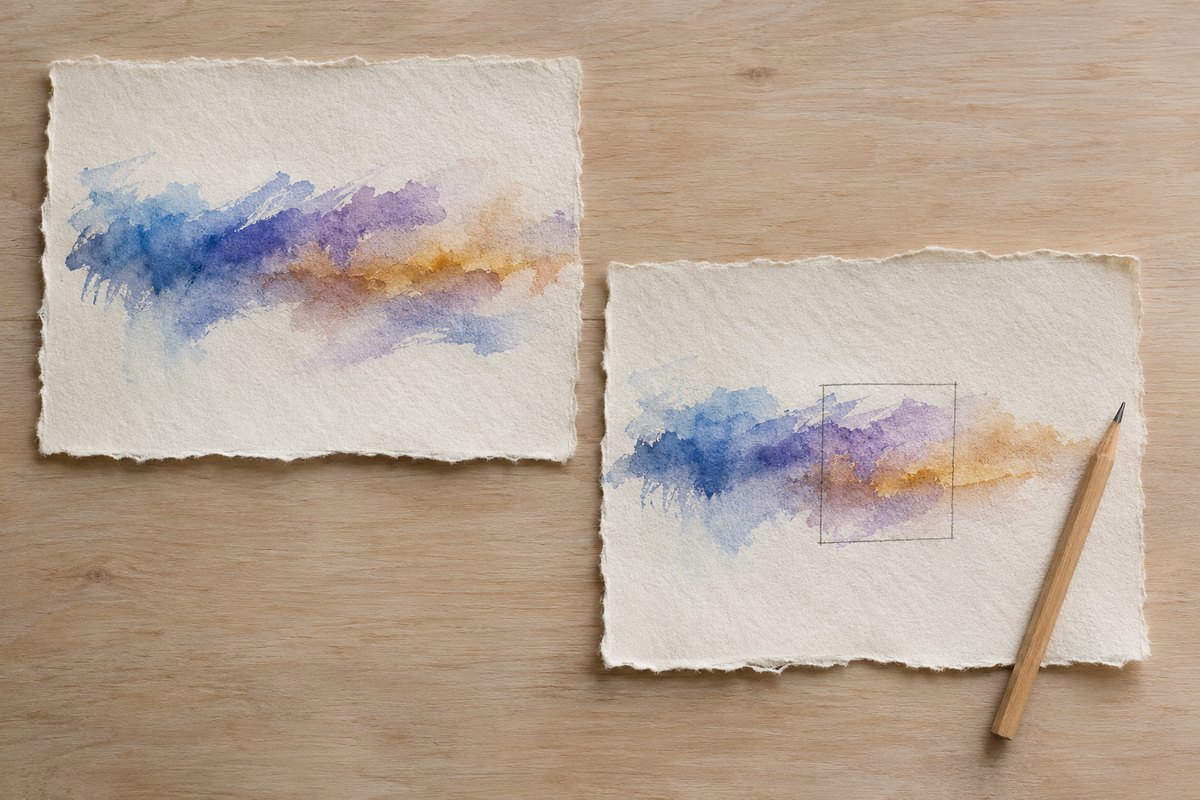
Try one small change on the working copy
Use a separately named copy and keep the original available. Record the operation you intend to try, the current selection and the current history state. Change one thing, then compare the same passage before and after through the same listening output.
Listen for the wanted content as well as the interruption. Is the word still understandable? Did a sustained note or the surrounding room sound change? Write uncertain when the comparison leaves you unsure. A tidy-looking selection is only one part of that review.
If you are unsure which channels the file contains, inspect that first using the stream and channel guide. That inspection provides file-structure information for a separate question from choosing a spectral edit.
Keep recovery available beyond this session
Adobe's Undo, Redo and History guide explains comparing earlier states in the History panel. It also says history states disappear when a file is closed. Keep your untouched original alongside the working copy so a later return does not depend on an earlier editing session still being open.
If the change is unhelpful, return to the earlier state while it is available and record what you learned. Before saving a result for someone else, confirm its filename and revision. Keep the comparison notes with that specific copy.
The display and history pages above are dated April 2021; the selection page is dated December 2021. They were rechecked on 13 November 2026. Check the documentation for your installed version if its controls differ. This guide is based on documentation. No Audition file, selection, processing, playback or cleanup outcome was operated or measured for it.