A camera channel buzzes? Check for audio timecode before editing

A camera recording arrives with dialogue on one channel and an unfamiliar signal on another. Before applying noise reduction or deleting the second channel, ask how the take was recorded. It may contain audio timecode needed by the editor's synchronization workflow.
Keep the untouched source and its recording notes. A signal that sounds unwanted in a listening copy may still have a purpose in the production source. Do not decide its identity from the sound alone or turn up playback to investigate it.
Separate an audio signal from file timecode
Tentacle's SYNC E operating manual, version 3.3 dated February 2025, distinguishes dedicated timecode inputs from microphone inputs. In the latter arrangement, a recording device saves timecode as an audio signal on a track. Using that recorded signal later requires software that supports audio timecode or a conversion to metadata timecode.
This distinction gives you two questions: does the recording contain an audio timecode signal, and which timecode does the recipient's software actually use? A displayed timecode value does not, by itself, answer both.
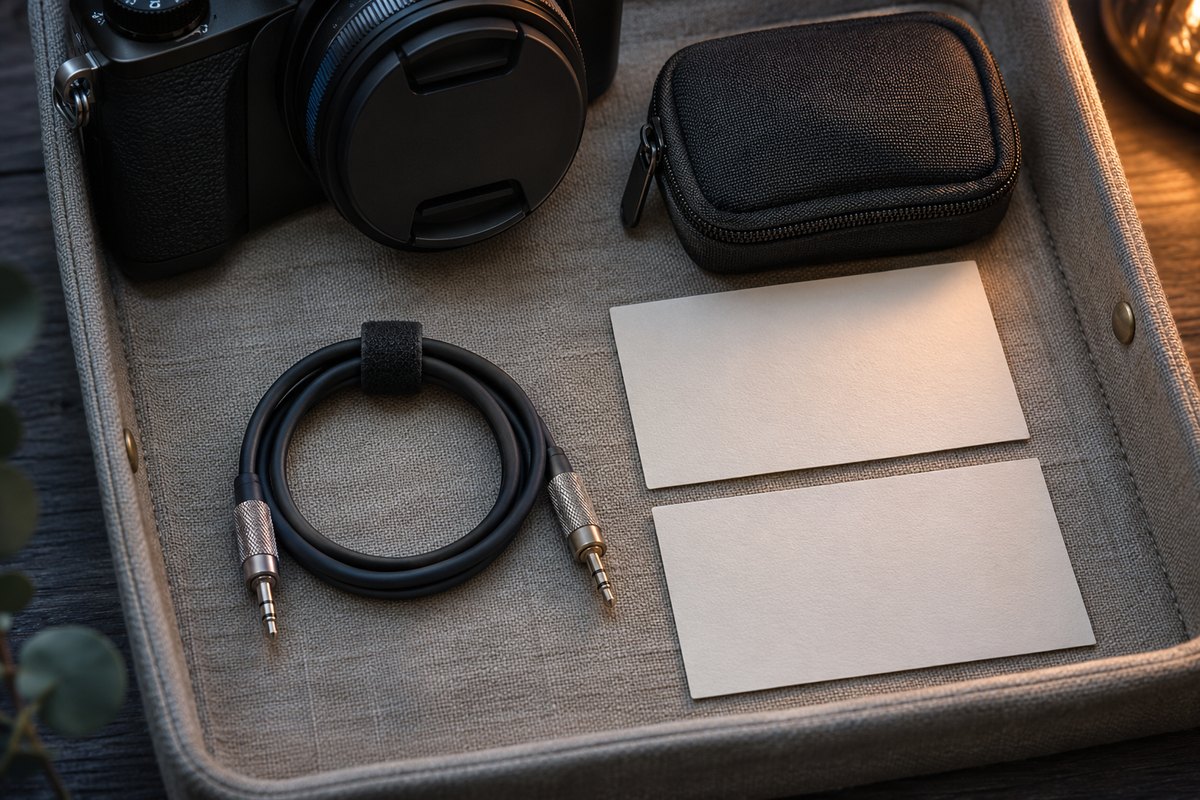
Use the blank audio-timecode handoff record to keep the source, channel identification, frame-rate information and recipient workflow together. Leave the timecode source and decode result unresolved until checked.
Identify the actual recording arrangement
For a specific example, Tentacle's DSLR and mirrorless camera guide describes SYNC E and ORIGINAL feeding audio timecode to the left channel and built-in reference-microphone audio to the right. That is a documented arrangement for those devices and the specified connection, not a universal channel assignment.
The SYNC E manual also qualifies its reference microphone by the connection and power conditions. Ask for the actual camera, generator, cable and recording settings. A different wiring arrangement can make a copied left/right assumption unhelpful.
Keep these observations separate:
| Observation | Record | Question still open |
|---|---|---|
| A take sheet identifies an LTC channel | Source and named channel | Whether the actual recorded signal can be read |
| An editor displays file timecode | Displayed value and chosen source | Whether it came from audio timecode |
| A listening copy excludes the signal | Copy revision and channel selection | Whether synchronization was checked |
| A recipient reports a usable import | Software version and inspected copy | Which other clips remain untested |
If the channel is unidentified, ask the recordist. Keep it intact rather than trying repeated processing to make it resemble speech.
Agree on the synchronization workflow first
Tentacle's Sync Studio overview describes reading file and audio timecode and exporting media or editing interchange formats. Treat these as different deliverables. Ask the recipient which format, software version and timecode source their workflow expects.
Before processing a whole shoot, agree on a small, representative comparison. Preserve the source, record the chosen interpretation and export to a separate location. Ask the recipient to inspect the actual imported result against an identifiable picture-and-sound event. Record a mismatch or unreadable signal as a failed check.
Muting an audio channel answers what reaches a particular listening path. It does not itself read timecode, establish alignment or prove that an exported copy will be interpreted as intended. Keep the synchronization result separate from the listening result.
Prepare the listening copy deliberately
Once the channel identities and recipient requirements are known, decide which material belongs in the listening delivery. Keep reference audio, the intended dialogue source and timecode as separately identified roles in the notes. Confirm the actual delivered file, not just a muted track in an open project.
For a file inventory, the FFprobe stream and channel guide explains reported structure. A count of two channels does not identify either one's production purpose. Keep the channel sheet and agreed export procedure beside the file inventory for the recipient.
The cited primary references were read for this guide. No timecode device, camera, audio decoder, editor, synchronization, export or playback operation was performed. The handoff record is blank and provides no verified channel assignment or alignment result.
The cited documentation was rechecked on 13 November 2026.