Wrong microphone in Resolve? Check the clip’s source channel

A dialogue clip is visible in the timeline, its meter moves, and the headphones work. Yet you hear a distant microphone instead of the close voice you expected. That is a useful starting observation. Changing the Mac’s output volume cannot select a different microphone channel inside that clip.
Start with one short passage whose contents you know. Record which clip you selected, where you selected it and which voice or microphone you expected. Keep the source recording and a recoverable project copy before changing the mapping. A successful comparison should explain what changed, rather than merely produce a louder result.
A file, a timeline clip and an output are different checkpoints
For this check, write down three separate questions:
- Does the source recording contain the wanted microphone?
- Which source channel does the selected timeline clip use?
- Where does the resulting timeline audio reach you?
Those questions can have different answers. An output that plays another known passage establishes something about that listening path. It does not establish which microphone feeds the problem clip. Likewise, a filename containing “boom” is a label to investigate, rather than proof of the channel currently selected.
If you need a file-level inventory first, the FFprobe stream and channel guide explains what its reported fields can establish. A channel count still does not identify the wanted microphone by listening.
Inspect the selected clip before changing it
Mary Plummer’s Fairlight Audio Guide to DaVinci Resolve 20, published by Blackmagic Design in 2025, separates timeline-clip inspection from source configuration before editing. On printed pages 89–91, its example opens a timeline clip’s Clip Attributes, then the Audio tab, to inspect its format and source channel. The example also shows those controls in the Inspector’s File tab, noting that source-channel access there is available in Resolve 19.1 and later.
Treat that as a version-specific inspection route. In your installed version, record the actual labels you see. Do not change a setting merely because an example names a particular channel. The book’s demonstration recording and your recording may contain entirely different material.
Before testing an alternative, note the selected object, format and source label or number. If a label is missing or unclear, keep that uncertainty in the notes. Ask the recordist for a channel sheet when available. An explicit “unidentified channel 2” is more useful than an invented microphone name.
Keep source preparation and an existing edit separate
The same guide demonstrates configuring source audio before placing it into a new timeline on printed pages 96–97. It explains that unused channels are not deleted by that selection. This is a separate example from inspecting a clip already in a timeline.
For your comparison, state which case you are working on. If you inspect a Media Pool item and then listen to an existing edit, do not assume the edit now uses the choice you just inspected. Check the actual selected timeline clip and compare the same passage. Record what you observed without generalising it to every instance of that media.
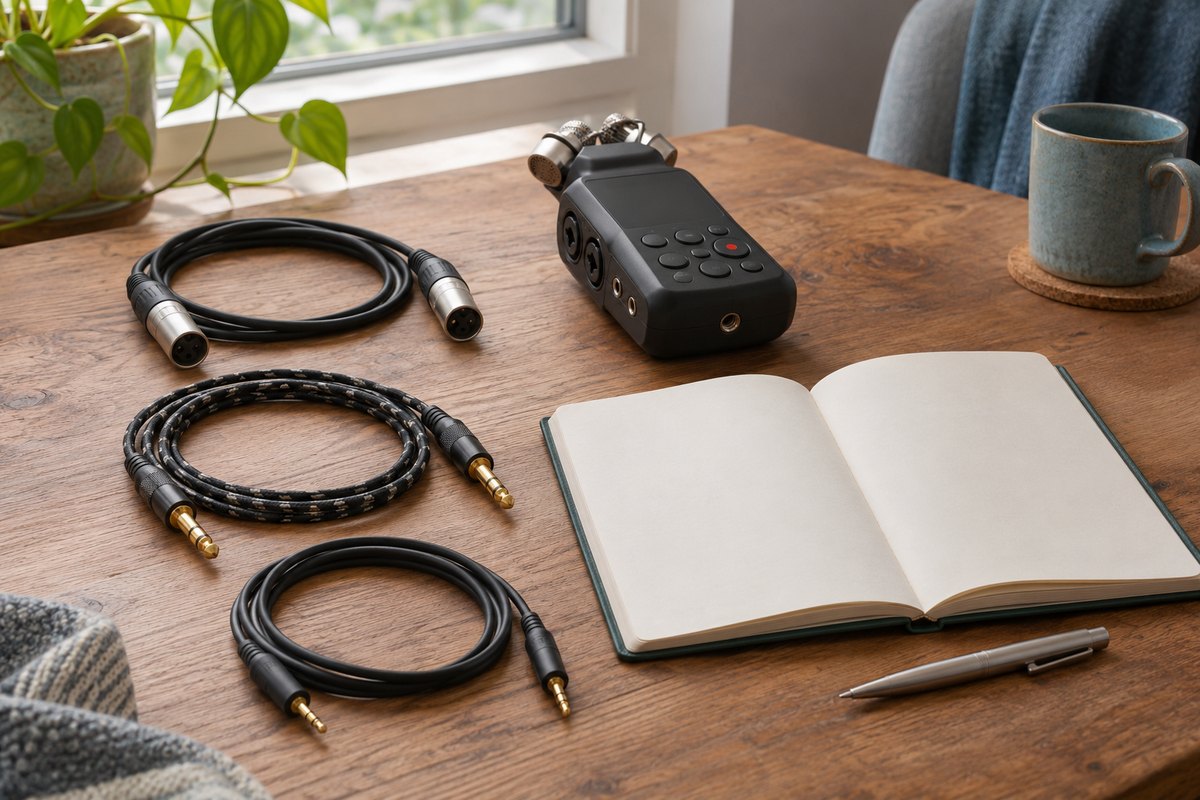
Compare one choice and retain the return path
Use the blank clip-source comparison card for one controlled attempt. It asks for the clip location, previous setting, candidate setting, listening passage and result. It also includes the setting to restore.
Listen for the wanted content and anything lost alongside it. A cleaner voice may omit another speaker you still need. A different channel may contain the same distant sound. Neither outcome is a reason to keep cycling through unrelated output, processing and project settings.
If the expected voice is absent from the source material, preserve that observation and ask for the correct recording. If the wanted source is selected but the listening path remains silent, move to a separate track-and-output investigation with the mapping notes intact.
What this guide has verified
The cited training sections were rechecked on 13 November 2026 for the inspection distinctions above. We did not operate Resolve, remap a clip, play a recording or test an export. The comparison card is blank. A completed project check needs your own passage, observed settings and listening result.