Your recipient needs audio, not just an Audacity project: check the export

An editable project and an audio file are different deliverables. If someone wants to listen to your work, check what they can open before sending only the project you used to edit it.
Keep the original project when you may need to revise clips or effects. Make a separate listening copy for a handoff when that is the intended task. Do not replace your editable source simply because an export exists.
Use the save and export controls for their own jobs
Audacity's saving and exporting guide distinguishes local .aup3 projects from exported audio. The project preserves editing information; File, Export Audio produces a listening file such as WAV or MP3. Some formats require FFmpeg. Consult the controls available in your installed version rather than installing components merely to follow a generic recipe.
Choose a format based on the recipient's needs and the next editing step. This guide does not prescribe one universal best format or promise that an export repairs an unwanted recording.
Check the actual deliverable
Before an intended handoff:
- Save the editable project to a location you control.
- Confirm the intended content, range and channels in the export choices available in your version.
- Give the listening file a distinct name so it is not confused with the project.
- Open the exported file in the player the recipient is expected to use, where available.
- Check its beginning, ending and intended audio content before deciding it is ready to share.
A successful export dialog is different from a recipient opening the file. Sending is different from delivery and listening. Keep those observations separate in your support note, and retain the source project if a revision is needed.
SoundBuddy feedback does not establish export success
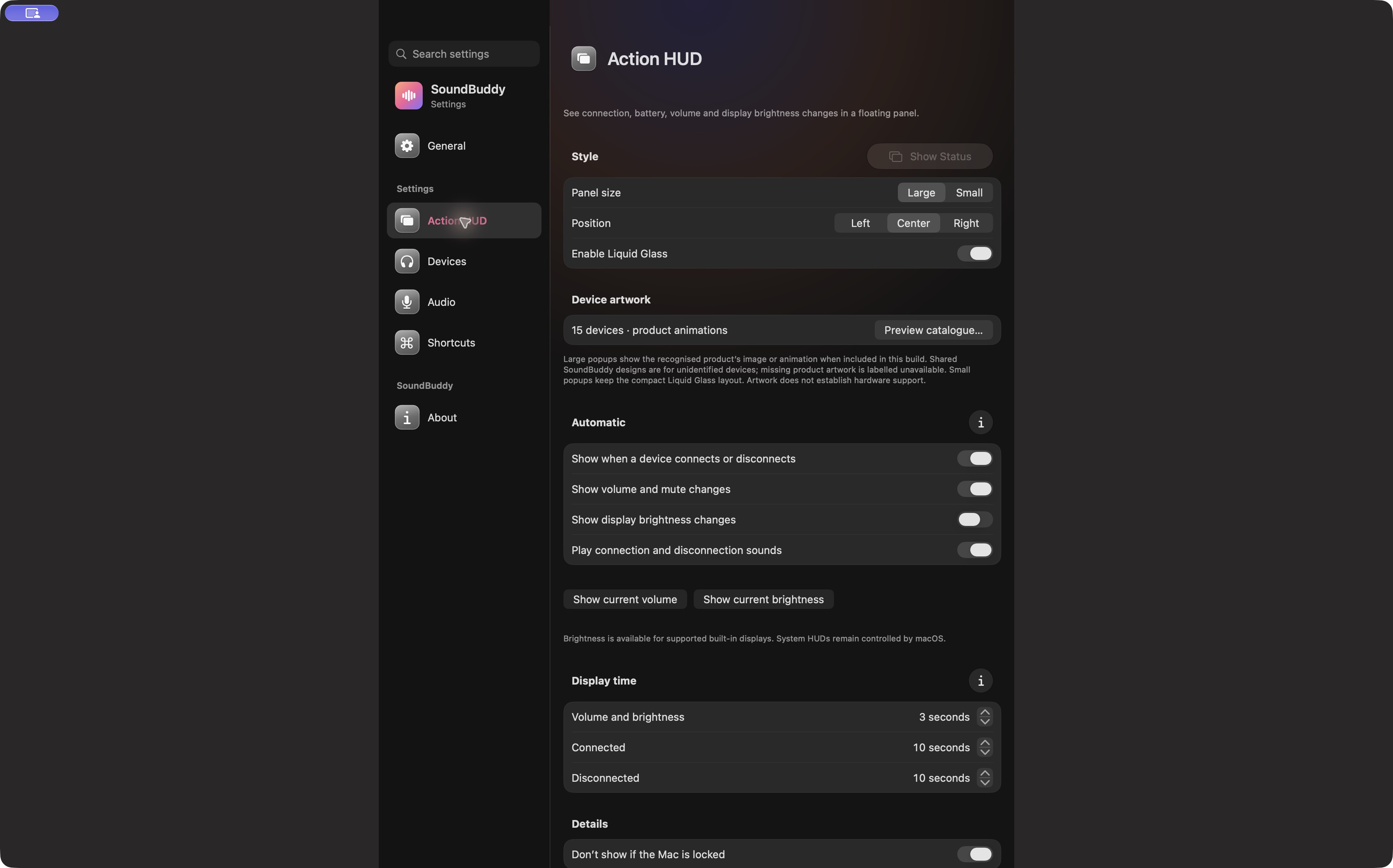
Open the full-size actual app capture
SoundBuddy is our product. Its output feedback is a separate part of a desk routine. The capture does not establish audio editing, conversion, cloud storage or file-sharing capabilities.
For distortion already present in a recorded voice, the clipping guide addresses capture rather than packaging the result. A different export choice is not proof that the source is repaired.
No project, export, upload, recipient message or audio file operation was performed for this article. No delivery or productivity result is claimed.
Next step: keep the editable source and verify a separately named listening file before an intended handoff.