Saved is not your offline check: prepare a podcast episode before leaving your desk

Before relying on an episode away from your usual connection, inspect its download state on the Mac that will play it. Saving something for later and confirming that a local copy is ready are different steps.
Check the copy you intend to use
Apple's Mac download guide for Tahoe distinguishes Save from Download. Saved episodes download by default, but Download When Saving can be disabled. It also says Unsave does not remove a previously downloaded episode. Removing a download deletes the local copy, while automatic-download choices exist for all followed shows and individual shows.
That means a Saved label alone is not a sufficient offline-readiness note. Select the intended episode, inspect Downloaded and confirm the download has completed before depending on it. Account, subscription and episode availability still matter; this is not a promise that every item remains accessible in every circumstance.
Prepare one episode deliberately
Use a short preparation list:
- Identify the exact show and episode on this Mac.
- Inspect whether the episode has a completed local download, rather than just a saved-library entry.
- If needed, use the episode's Download choice while you have a suitable connection and permission to access it.
- Keep enough storage for the files you choose. Review automatic-download settings if unexpected episodes accumulate.
- Before removing anything, distinguish Unsave from Remove Download and decide which state you actually want to change.
Do not delete a whole library to troubleshoot one episode. An optional offline check should use your own non-critical material and account; it is separate from this documentation-based article. We did not disconnect a network or download a show to test it.
Keep listening controls and file controls separate
If the episode is present but cannot be heard, inspect playback and output selection separately. A missing local copy and a wrong speaker are different support questions. Keep the episode's access state, playback state and selected output as distinct observations.
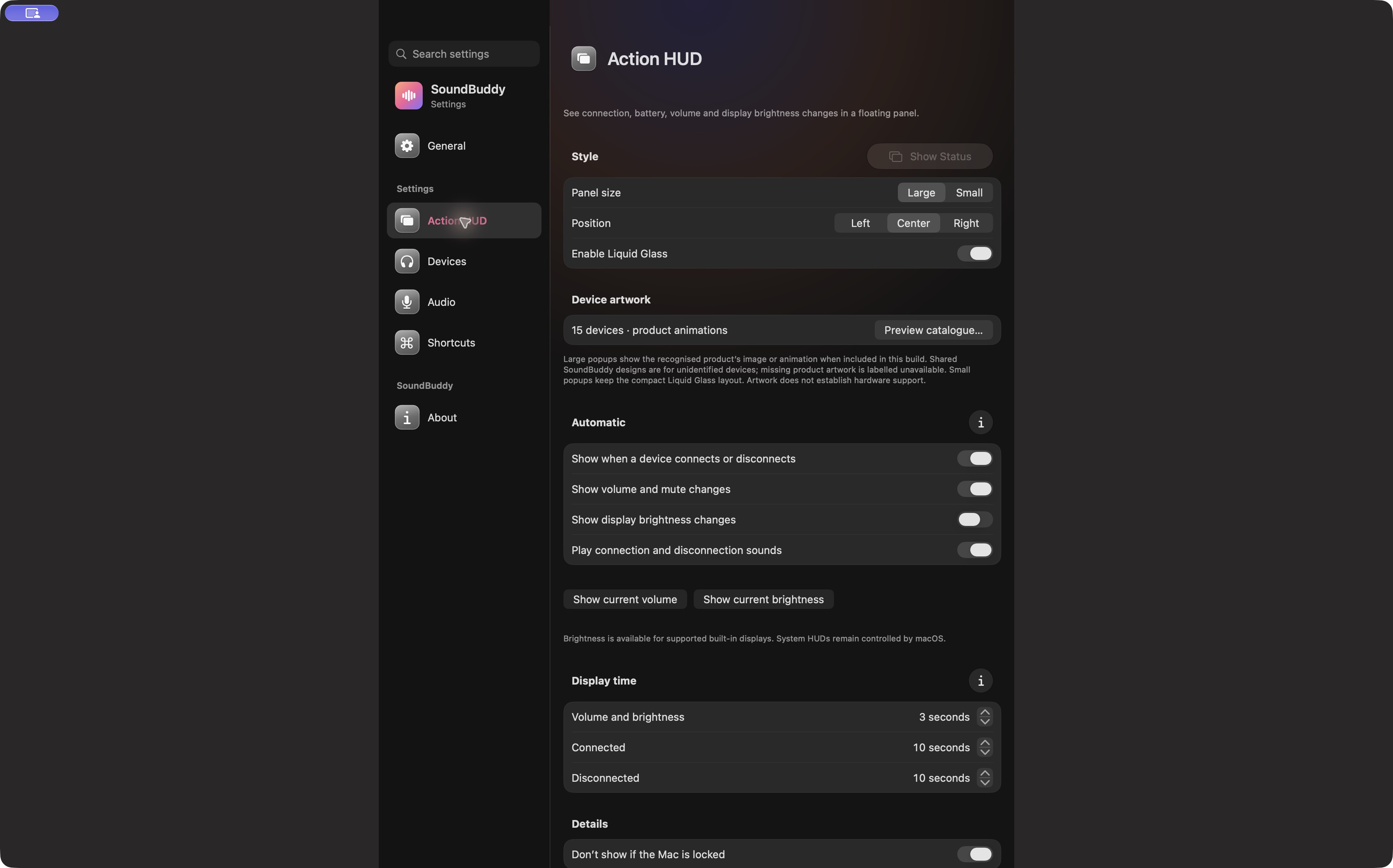
Open the full-size actual app capture
SoundBuddy is our product. Its feedback settings do not establish that an episode is saved, stored locally or available offline. Use the player for those questions, then the paired, connected and selected guide if the listening destination remains unclear.
No account, download, storage, playback or network operation was performed for this article. No availability, time-saving or productivity result is claimed.
Next step: verify one specific episode's local-copy state on the Mac you intend to use, without relying on a saved label alone.