One video has lip-sync trouble? Compare the file, player and output separately
If a speaker's lips and voice do not line up in one video, write down whether the voice seems early or late and whether that relationship stays stable. Keep subtitle timing as a separate observation.
A single file, a player preference and an output path can produce different questions. Do not assume that a global Mac reset or a microphone change addresses the one you are seeing.
Separate sound, picture and subtitles
VideoLAN's VLC 3.0 adjustment guide treats audio/video synchronisation separately from subtitle offset and describes playback compensation controls. Its desktop overview distinguishes the native Mac interface from the Windows/Linux interface.
Use your installed version's Mac menus and Help to locate the relevant setting. Do not copy a Windows Tools menu path or an assumed keyboard shortcut into the Mac and conclude the feature is absent. A compensation preference also does not establish that the source file has been repaired.
Make one comparison at a time
Use material you are entitled to play and preserve the original file:
- Note the player version, file and selected output.
- Identify a short passage where picture and sound are easy to compare.
- Record whether audio is early or late, whether the difference appears constant and whether subtitles are independently affected.
- If useful, compare the same passage in another compatible player while keeping the output fixed.
- Separately compare a familiar output if you have one available. Do not change player, file and output simultaneously.
These observations can narrow a support question; they do not prove a codec, hardware or application defect. If you deliberately inspect a playback-offset setting, record its starting value and restore it if the comparison is unhelpful. A changing drift and a constant offset should not be described as the same measured result.
Keep status feedback separate from synchronisation
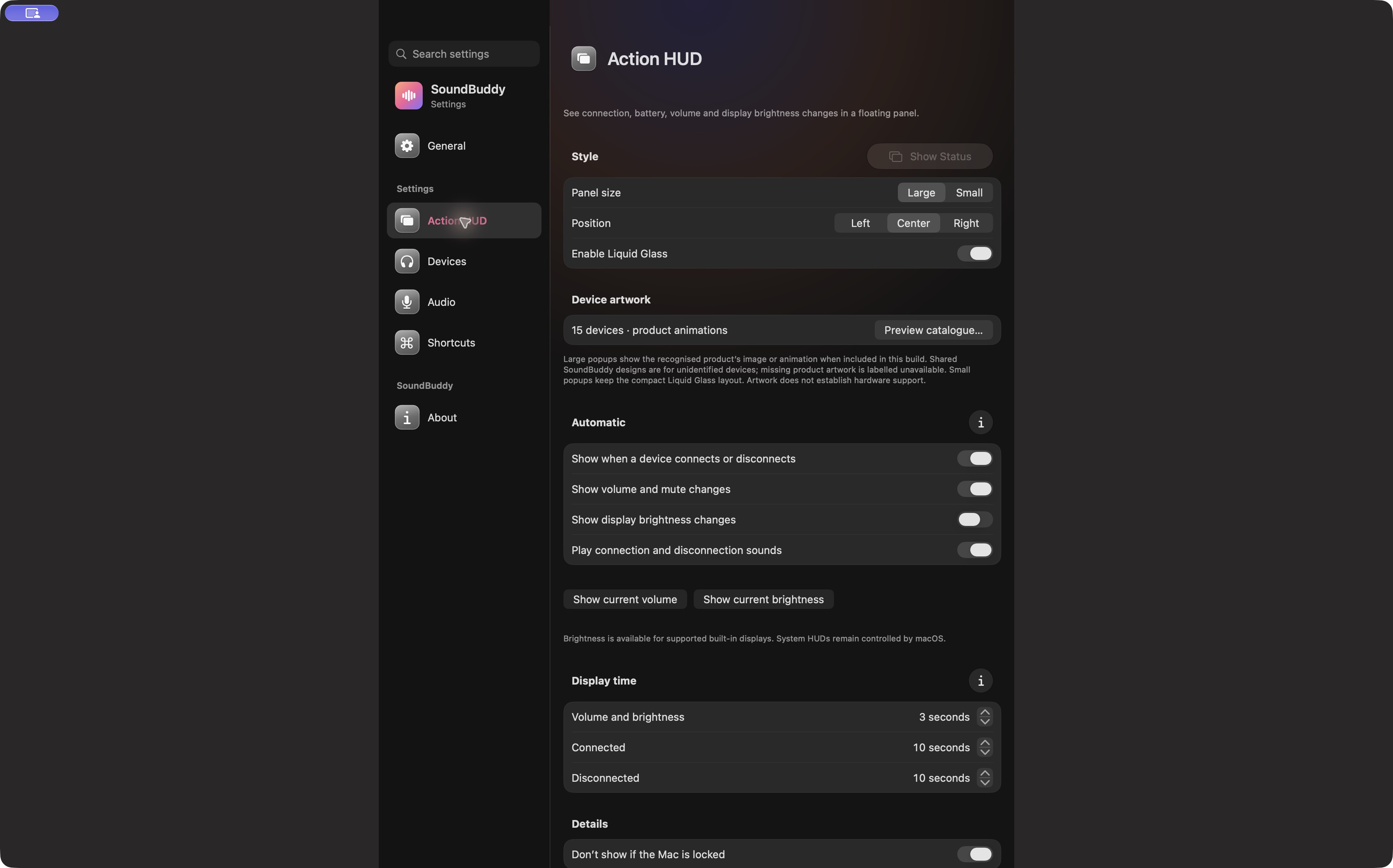
Open the full-size actual app capture
SoundBuddy is our product. Its feedback settings do not establish lip-sync correction, video processing or a measured audio-delay reduction. The instrument-monitoring guide concerns a different task: hearing your own live performance after playing a note.
No video, player, offset, output or native setting was operated for this article. No repaired-file, timing or productivity result is claimed.
Next step: preserve one passage and compare the file, player and output separately before changing compensation.