An MFi hearing device needs its own Mac compatibility check
A Made for iPhone hearing-device label does not replace a Mac-specific requirements check. Before attempting a connection, match the exact model and the kind of streaming it supports with the Mac and operating system you use.
This guide concerns connection eligibility. It does not assess hearing needs, choose a hearing device or propose changes to a device's fitting.
Read the exact entry and its requirements
Apple's MFi compatibility list marks bidirectional models with an asterisk and distinguishes their requirements from unidirectional streaming. For example, its MacBook Pro 2021-or-later and MacBook Air 2022-or-later entries require macOS 14 or later for bidirectional models, while the corresponding unidirectional entries require macOS 15 or later. Other Mac families have their own entries.
Check the current list for your exact devices rather than extending those examples to every Apple-silicon Mac or every hearing-device model. A similar family name is not enough to identify the entry. Streaming direction also matters when the intended task includes speaking, not just listening.
Build a short compatibility card
Record these details before following a setup recipe:
- The exact hearing-device model as written in its documentation.
- The matching Apple list entry and whether it has an asterisk.
- Your Mac model and installed macOS version.
- Whether the task needs listening only or two-way communication.
- Any requirement still unconfirmed by the model's documentation.
Apple's connection guide begins with compatibility, then directs you to the hearing device's own pairing instructions. It also notes that pairing a new hearing device can replace a previous one. Preserve your existing working setup rather than experimenting from a generic headphone recipe.
If the requirements do not match or a model is unclear, use the manufacturer and Apple documentation for that specific combination. Do not treat an app illustration as a compatibility certificate.
Keep SoundBuddy support separate
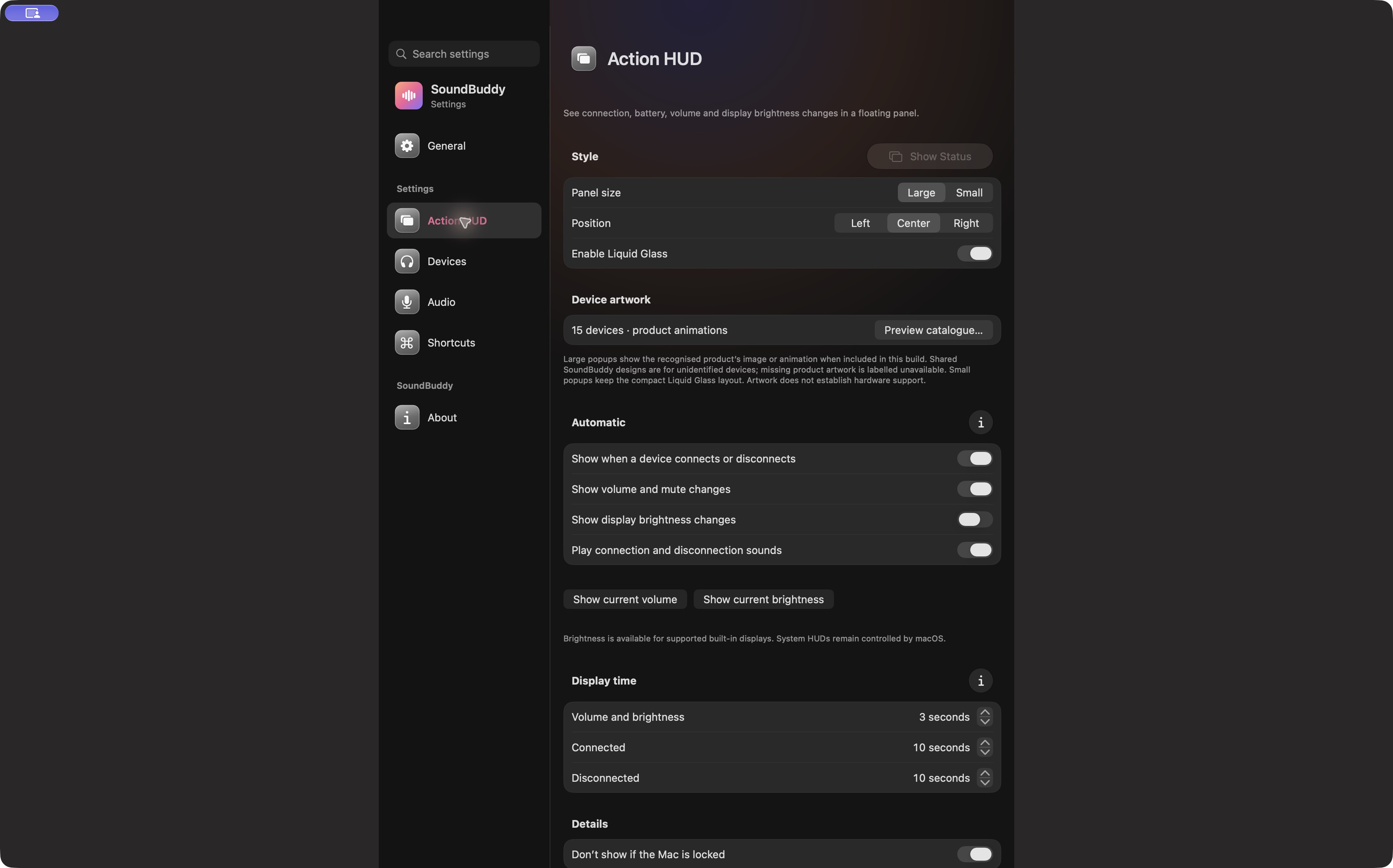
Open the full-size actual app capture
SoundBuddy is our product. Apple's compatibility list does not establish SoundBuddy battery reporting, controls or support for a particular hearing device. The SoundBuddy artwork and compatibility guide explains that separate evidence boundary.
No pairing, device, audio, accessibility or native setting was operated for this article. No hearing, communication or productivity improvement is claimed.
Next step: match the exact list entry and Mac requirements before following the model-specific connection instructions.