One song is greyed out? Check its Music library status before the headphones

When a particular song is unavailable in Music, first inspect that item. A greyed-out library entry and a working player sending sound to the wrong output are different problems.
Use a known available item only if you choose to make a comparison. If other material plays normally through the same route, preserve that observation before resetting a headset or changing every audio preference.
Read the item's status rather than guessing
Apple's missing and greyed-out music guide describes showing Cloud Status and Cloud Download in the Mac Songs view through View, Show View Options. An exclamation mark concerns locating the original file. Waiting concerns synchronisation. No Longer Available concerns an item removed from the catalogue. The guide also describes other account and restriction cases, so a grey appearance alone is not a diagnosis.
Write down the exact status and message for the specific item. Do not turn a general description into a claim about the current availability of every recording or version of a song.
Preserve the library before changing it
Apple explicitly says its music service is not a backup. Keep your source files and a suitable backup before making library changes.
A useful first pass is observational:
- Identify the exact item and whether it came from a local file, a purchase or the subscription catalogue.
- Inspect its status and any full error message.
- Note whether other available material works through the same output, if you choose that comparison.
- Record any external storage holding the original file without moving or deleting it.
- Follow the documented branch matching the actual status rather than applying every repair step at once.
Changing a whole library's sync settings can have wider effects than inspecting one item. This guide does not ask you to delete tracks, remove downloads, sign out or rebuild a library as an initial diagnostic step.
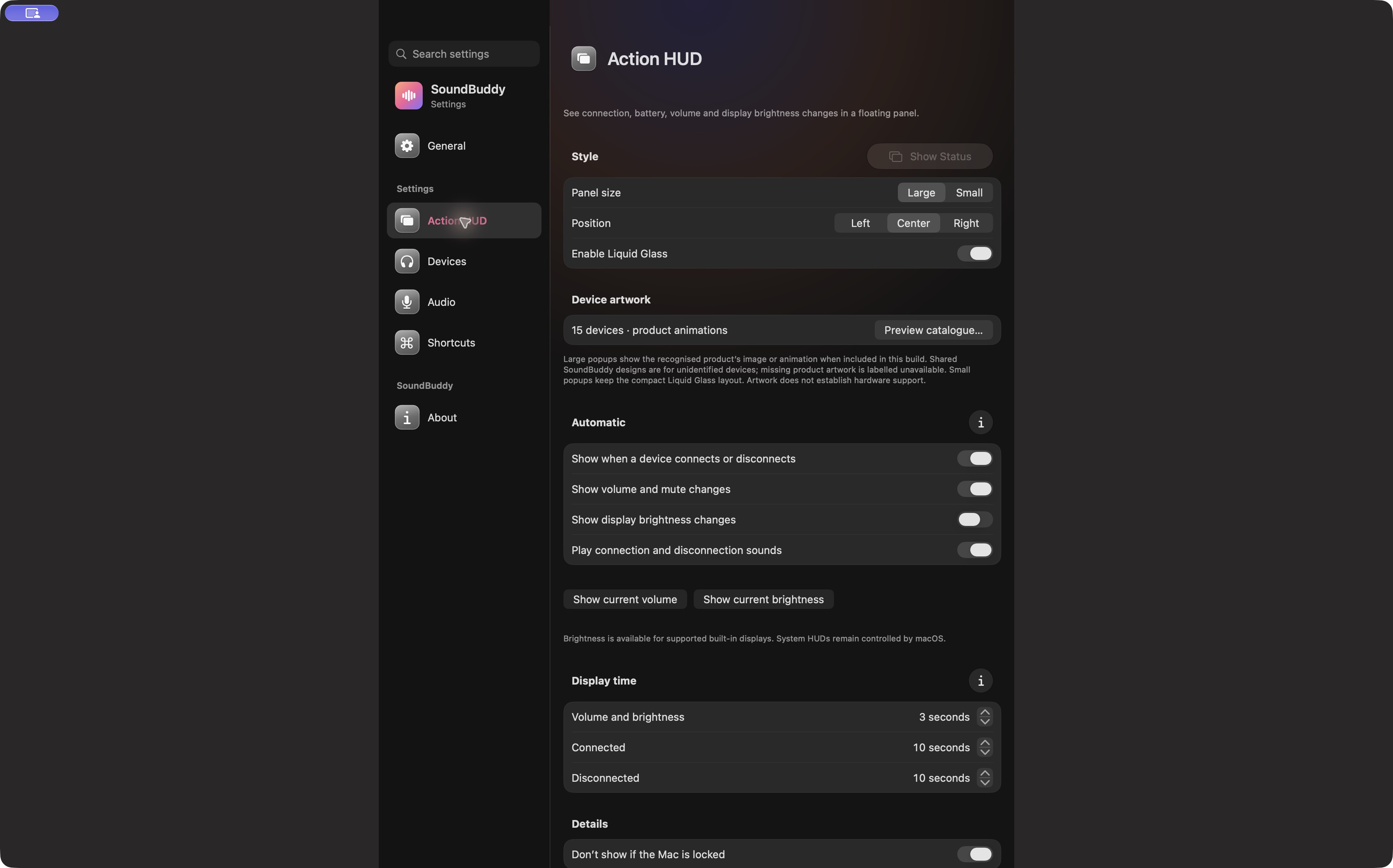
SoundBuddy feedback does not certify item availability
Open the full-size actual app capture
SoundBuddy is our product. Its status feedback does not establish catalogue access, cloud-library repair, file recovery or subscription entitlement. If available content plays but the destination is wrong, use the paired, connected and selected guide for that separate route question.
No account, library, storage, track, playback or native setting was operated for this article. No recovery or productivity result is claimed.
Next step: record the exact unavailable item's status before changing the headphones or the wider library.