Spotify is playing elsewhere? Separate Connect control from your Mac’s Bluetooth output
If Spotify's controls respond on the Mac but sound comes from a different speaker, first inspect the playing device inside Spotify. The Mac can be a controller for another device rather than the machine producing the audio you expected to hear locally.
That is a different path from playing on the Mac through a Bluetooth headset. Troubleshooting the local output before identifying the remote destination can leave the actual selection unexamined.
Name the controller and the playing device
Spotify's Connect guide describes using one device to remotely control listening on another. It directs users to the Connect device control and requires the same Wi-Fi for the first speaker connection. Device compatibility should be checked with Spotify or the manufacturer.
Spotify's Bluetooth guide separately describes pairing the device running Spotify with Bluetooth audio equipment. Do not treat those two sets of instructions as interchangeable or assume every named speaker supports both paths.
Inspect the destination before changing connections
For your own listening session:
- Note the device shown as playing in Spotify.
- State whether you want remote-speaker playback or local playback through the Mac's output.
- Inspect the intended device choice in Spotify before changing Bluetooth settings.
- If playing locally, check the Mac's selected output and actual headset connection as separate observations.
- Record where sound is audible after any deliberate change, without assuming a responding play button proves the location.
Choose only a device you recognise and intend to use. Spotify notes that previously shared networks can explain unfamiliar entries. A name alone does not establish either ownership or an account compromise. Avoid trial playback on someone else's speaker as a diagnostic shortcut.
Keep SoundBuddy feedback in its own scope
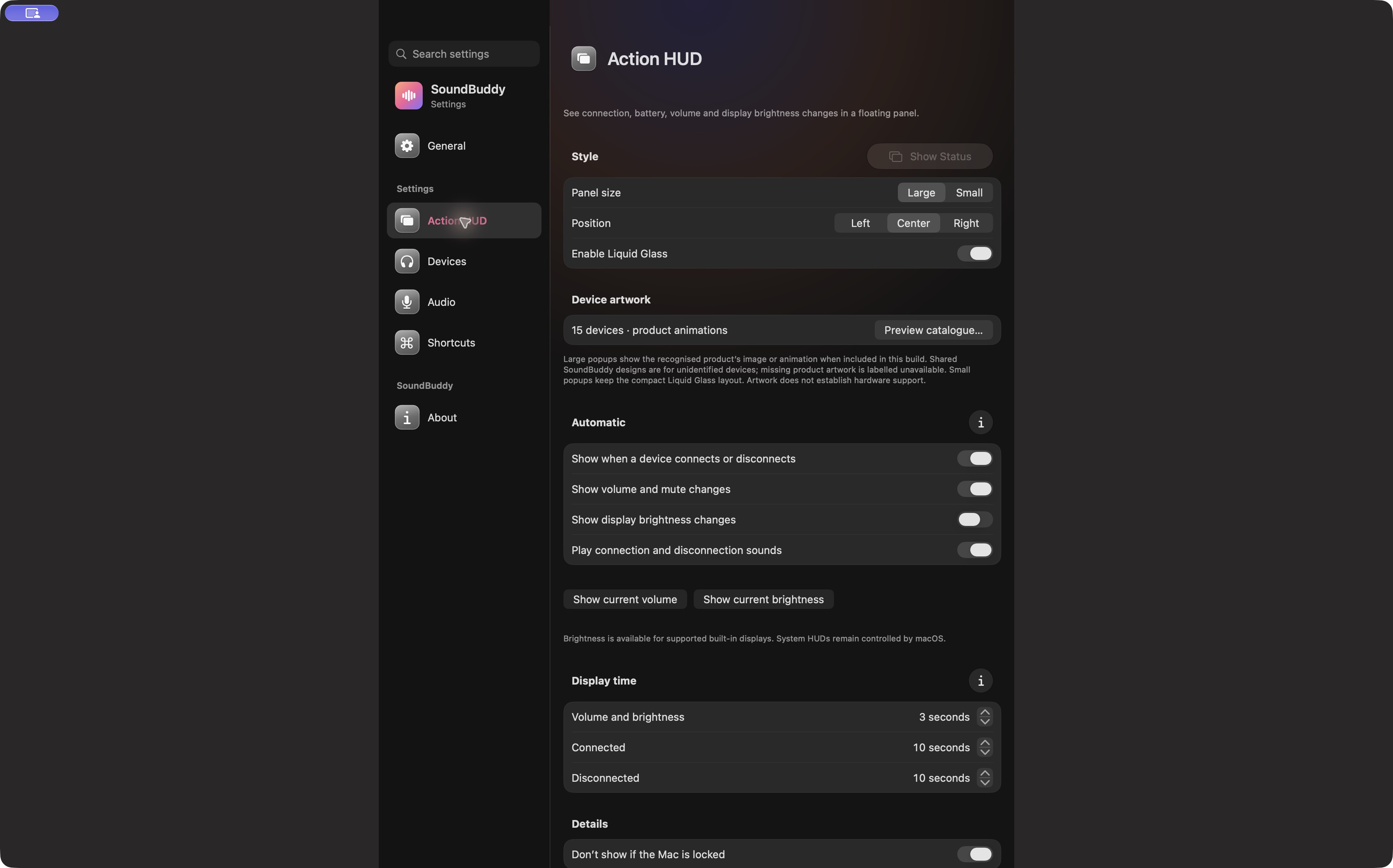
Open the full-size actual app capture
SoundBuddy is our product. Its status feedback does not establish a Spotify integration, remote-speaker control or support for a specific Connect device. Inspect the player and equipment that own that path.
For a headset connected to the Mac but not chosen for local output, use the paired, connected and selected guide. That question begins after you establish that local Mac playback is the intended path.
No Spotify account, remote device, network, speaker, playback or native setting was operated for this article. No compatibility or productivity result is claimed.
Next step: identify the actual playing device in Spotify before troubleshooting the local headphone route.