Logic waits before recording? Separate a count-in from monitoring delay
If a take starts after a series of clicks, first inspect whether Logic is preparing you with a count-in. A deliberate lead-in before capture and a sound arriving late while you perform are different observations.
Write down when the wait happens. Is it before recording begins, during every note, or only when you listen back? That distinction keeps a transport setting from becoming an unsupported diagnosis of Bluetooth or microphone trouble.
Inspect the project's preparation controls
Apple's Logic metronome guide documents Count-in before recording, with a choice of bars or beats. The Count-in button is separate from metronome conditions for playback and recording. It also notes that a selected Pre-roll duration in Recording project settings is used instead of the count-in.
Use the documentation matching your Logic version and inspect the actual project. Do not copy an unfamiliar shortcut into a live take or assume every project uses the same preparation settings.
Describe the wait precisely
For a non-critical project you choose to inspect:
- Note the intended recording start and whether Count-in is enabled.
- Inspect the configured duration and any Pre-roll setting.
- Decide whether you want preparation before the take or an immediate start.
- If you compare settings, change one preparation control and observe when recording begins.
- Keep any ongoing monitoring delay as a separate finding rather than calling it solved by the count-in choice.
This workflow concerns when the take begins. It does not measure round-trip latency, align a recording or prove that an interface is performing correctly. Preserve the project before experimenting with recording behaviour.
Keep the click and typing feedback distinct
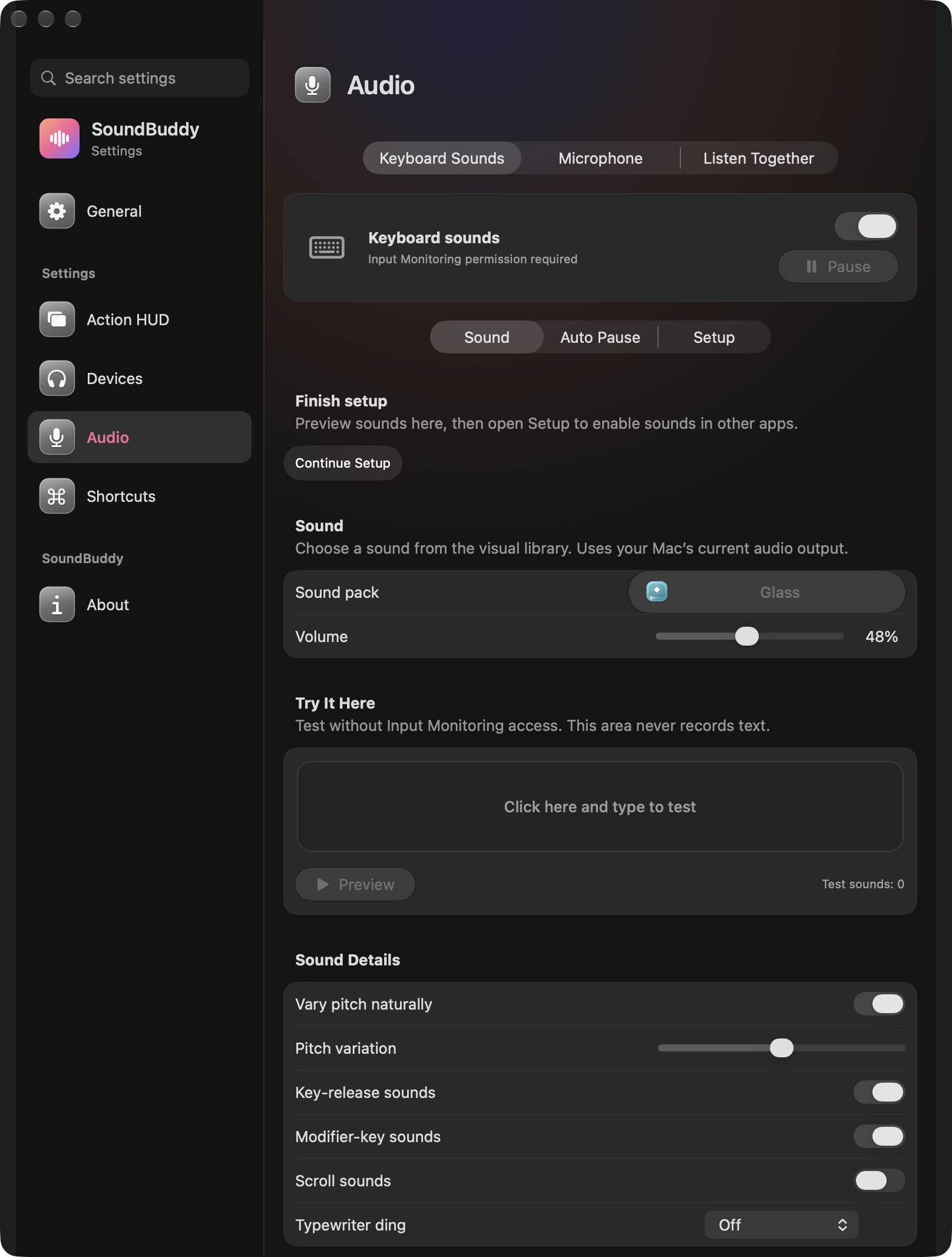
Open the full-size actual app capture
SoundBuddy is our product. Its keyboard feedback is not a project-tempo reference or a recorder transport. This screenshot does not establish beat synchronisation or control over the beginning of a take.
If the sound follows each played note late, the Bluetooth instrument-monitoring guide addresses that different question. If pitch or playback speed changes, use the sample-rate guide.
No Logic project, recording, instrument or native audio setting was operated for this article. No timing or productivity result was measured.
Next step: classify the wait as preparation before capture or delay during performance, then inspect the matching control.