Find the moment behind a podcast note: search the transcript, then check the audio

A note such as “the guest explained the pricing problem” is hard to revisit without a source moment. If the episode has a transcript, use it to find a phrase, then listen to the surrounding audio before treating the words as a quotation.
Use the episode's available transcript
Apple's Mac transcript guide for Tahoe documents View Transcript while playing or browsing an episode. Search Transcript can find a phrase, with Whole Word and Match Case options. Selected text can be shared from its timestamp. Availability varies by language and region.
That is a navigation workflow, not a guarantee that every episode has a transcript or that every written word is accurate. If the button is missing, record the episode and app version rather than assuming a microphone or output problem.
Keep a useful source note
Try this small reader-led workflow on material you are entitled to access:
- Identify the show, episode and speaker or topic you are looking for.
- Search a short distinctive phrase in the available transcript. Try a simpler term if an exact search fails.
- Listen around the candidate passage to check its context, speaker and wording.
- Keep the episode link, approximate moment and your own paraphrase together.
- If you quote it elsewhere, verify the words against the audio and follow the relevant permission and attribution requirements.
Do not treat a search match as proof that an isolated sentence represents the speaker's complete view. Preserve enough surrounding context to understand qualifications and disagreement. No transcript-accuracy or time-saving result was measured here.
Separate finding a passage from exporting everything
A public discussion about transcript copying asks for bulk access and includes cache-extraction suggestions. That is a different job from finding one moment in the app. We have not verified a current copy limit or tested those tools.
This guide does not require uploading podcast audio, exposing app caches or installing another service. Use the documented navigation first when your immediate need is to revisit a specific passage.
Keep typing feedback separate from transcription
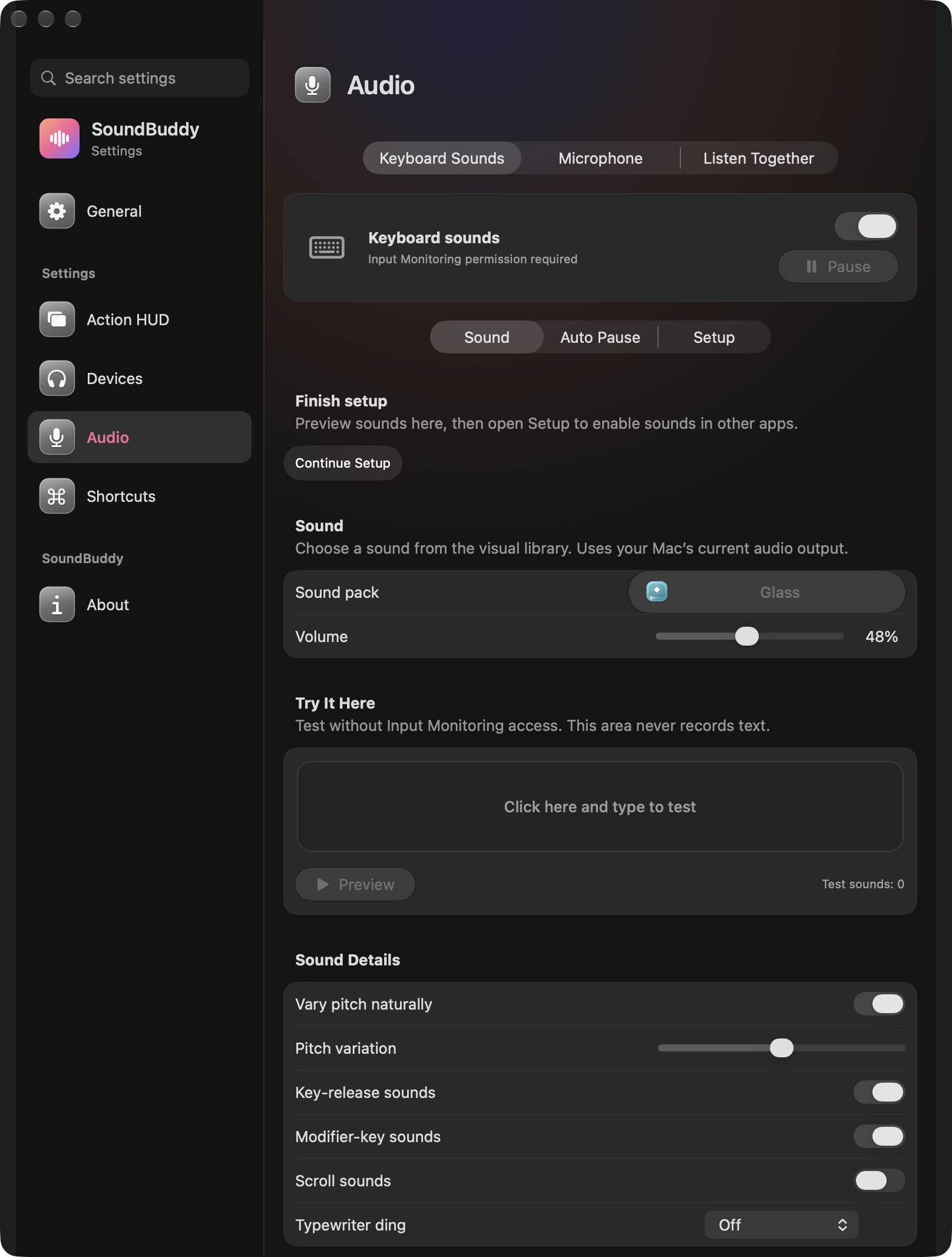
Open the full-size actual settings capture
SoundBuddy is our product. This capture does not establish transcription, episode indexing, transcript export or automatic note-taking features. It documents a separate feedback layer you may evaluate while writing your own notes.
For computer-audio captions rather than an episode's supplied text, see the Live Captions guide. For playback that feels too fast, see the podcast speed guide.
No episode, account, audio, transcript or permission operation was performed for this article.
Next step: pair one useful note with its episode and source moment, checking the surrounding audio before reusing the wording.