Songs overlap on your Mac? Inspect Song Transitions before changing the audio route

When the next song starts before the previous one ends, note whether you dislike the transition itself or hear playback you did not choose. Those are separate questions. A blended ending can be a player setting even when the headphones and selected output remain the same.
Start with one named pair of tracks and a short note about what happened. Did the ending fade, did the next introduction begin early, or did playback jump unexpectedly? That description helps you inspect the relevant control without treating every overlap as a Bluetooth fault.
Look inside the player that owns the transition
Apple's Mac Song Transitions guide for Tahoe places the choice in Music, Settings, Playback. It describes Crossfade as one song fading in while another fades out, with a Seconds control. AutoMix chooses transitions according to the music and requires Apple silicon with the supported operating system. Albums and some genres may play without transitions. The guide also notes an HDMI Passthrough interaction.
Apple's current transition support article adds important eligibility limits: AutoMix uses Apple Music subscription content. Intel Macs do not support AutoMix. Hi-res lossless does not support either transition option. Turning Song Transitions off is the documented choice for no transition.
These are player and content conditions, not evidence that every pair will blend in the same way. If the option is unavailable, record the Mac model, operating system, subscription/content type and current setting. Do not buy equipment or change the entire desk setup merely to make an option appear.
Choose the listening result you actually prefer
For music where the beginning and ending matter, it is reasonable to prefer no added transition. For another session you may prefer a timed crossfade. Neither preference demonstrates higher productivity or better sound quality.
A small reader-led comparison can stay narrow:
- Note the two tracks, their order and the current Song Transitions setting.
- Outside an important listening or recording task, inspect Music's Playback controls.
- If you want a direct comparison, change only the transition setting. Keep the output and listening level stable.
- Write down what was actually audible at the boundary. Do not infer a timing result from the selected setting alone.
- Restore the previous choice if the comparison does not suit your listening preference.
If behaviour remains unexpected with transitions off, preserve that observation. A documented control is not a guarantee that every reported problem is solved by it.
Keep other-platform reports in context
A public overlap complaint describes early transitions on iOS. The author later says Crossfade was set to three seconds; a separate reply concerns Android. Neither report establishes a current Mac defect or a measured Mac timing error.
The useful distinction is that disabling AutoMix and disabling all transitions are different observations. The Mac instructions above come from Apple, rather than transferring a phone settings path onto a desktop.
SoundBuddy is a separate feedback layer
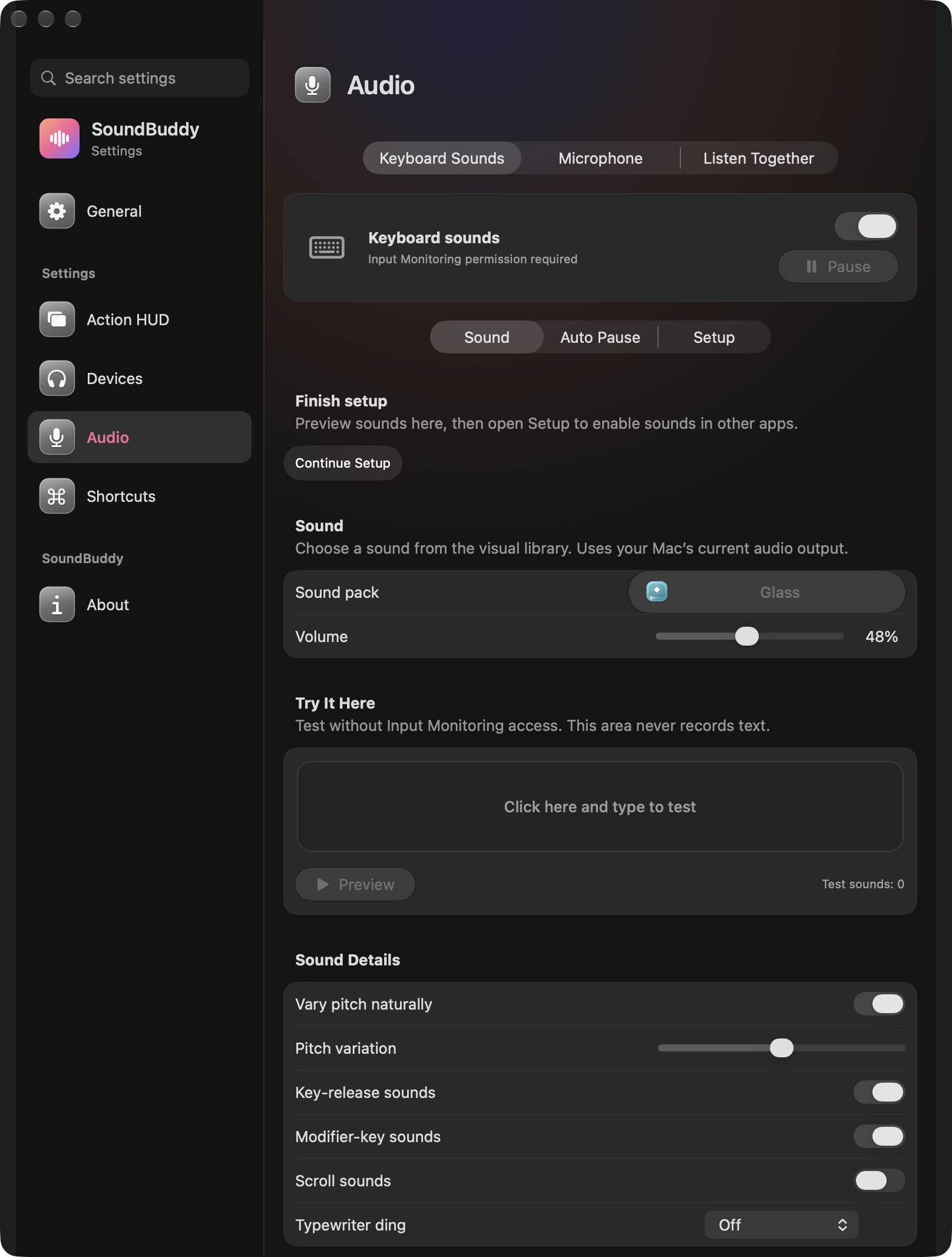
Open the full-size actual app capture
SoundBuddy is our product. The capture does not show crossfade, AutoMix, library processing or control over a song's introduction. Keeping typing feedback separate from music playback makes the responsibility of each setting clearer.
For uneven levels between songs, use the normalisation guide. If playback only fails after the Mac becomes idle, use the power and output guide.
No transition, hardware or playback experiment was performed for this article. This is documentation and public desk research, with no measured listening or productivity result.
Next step: record the actual overlap and the active Song Transitions choice before changing a device or output route.