Need separate voices from a Zoom interview? Plan the recording files before the call
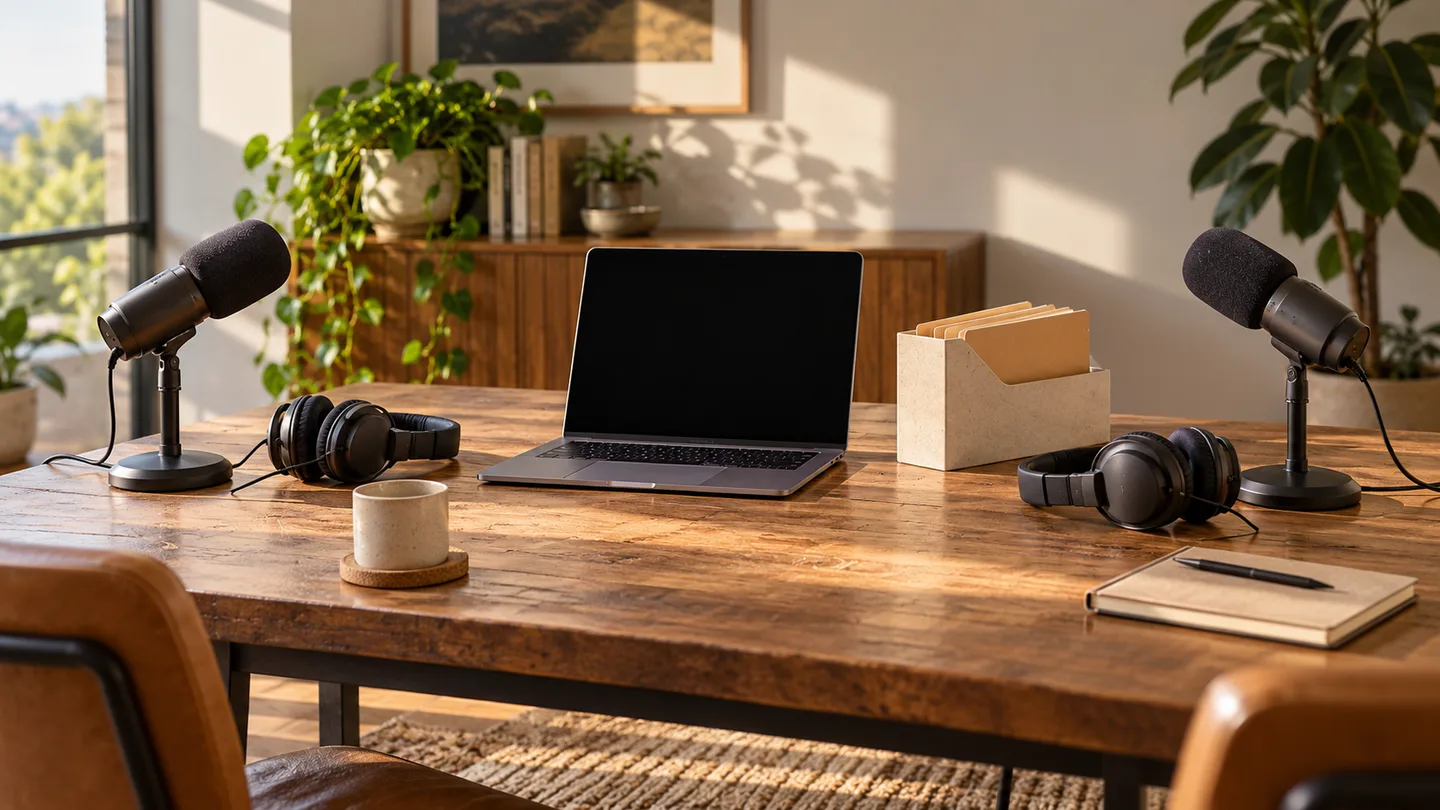
An editor asks for each speaker separately, but the recording folder contains one mixed audio file. Start by identifying the recording workflow and files that were actually created. Changing a playback device cannot turn an existing mix into the participant files you hoped to receive.
For a future interview, make the file requirement part of preparation. “An audio recording” and “one separate file for each speaker” are different deliverables. This guide covers Zoom's documented computer-recording option and a handoff inventory, with cloud recording treated separately.
Choose the recording workflow before expecting files
Zoom's computer-recording instructions describe a Recording setting called Record a separate audio file for each participant. They place the resulting participant files in an Audio Record folder after processing. The host records or grants recording permission; check that authority before a planned session.
Inspect the available setting in the current desktop app before the interview. Agree on recording and sharing with the people involved. For a preparation test, use a session whose participants deliberately agreed to the test rather than saving an ordinary conversation without asking.
The setting is a preparation step, not evidence that files from a past session exist. Look at that session's actual recording folder. Do not overwrite or delete a surviving mixed recording while searching for separate files.
Cloud recording has its own settings and limits
Zoom's cloud-recording settings separately describe audio-only output choices, including one mixed file and per-participant files. That documentation also notes that phone participants' audio is combined into one file.
Record whether the session used computer or cloud recording. A screenshot of one workflow's settings does not establish what the other produced. Separate participant files also do not prove each speaker made an independent local microphone master on their own computer.
Inventory the processed folder before sharing it
Wait for processing to finish and inspect the files you can actually open. Zoom warns that interrupting computer-recording conversion can damage the results. Its guide recommends a local recording location rather than assuming a syncing folder or removable destination is equally suitable during recording.
Use an inventory with a row for every expected voice:
| Handoff field | Record this observation |
|---|---|
| Session | Date and a non-sensitive session label |
| Workflow | Computer or cloud recording |
| Expected voice | An agreed speaker label |
| Actual file | Exact filename and location in the handoff copy |
| Listening check | Identifiable speech present, absent, mixed or uncertain |
| Timing note | Relevant start, pause or missing passage to investigate |
Avoid treating a participant name in a filename as sufficient verification. Open each intended file, listen to a harmless identifiable passage and note what it contains. If a label is ambiguous, ask before renaming rather than guessing which speaker it belongs to.

Give the editor a copy with a clear manifest
Retain the source folder. Make a separate handoff copy and agree which files the editor needs, how they will receive them and who may access them. Participant names in filenames can themselves be identifying information; review those names before distributing a folder beyond the intended team.
Download the participant-file handoff template. It includes space for missing or mixed tracks so a problem remains visible rather than disappearing into a “ready” label.
Ask the recipient to confirm that the delivered copy opens and contains the expected voices. A completed upload is a different observation from a completed listening check. If they need a playable reference alongside editable material, label that reference clearly so it is not confused with an individual speaker file.
If the separate files are missing
Document the workflow, surviving files and the point where your expectation differs. Preserve the mixed recording and inspect Zoom's current support instructions. Do not promise that toggling a setting now will reconstruct an earlier per-participant recording.
For the next interview, repeat a short agreed preparation session and verify its processed folder before relying on the arrangement. The pre-call microphone guide helps check input and received speech, while the recording storage worksheet concerns uncompressed PCM planning. It does not predict the size of Zoom's M4A files.
No interview was recorded or account setting changed for this article. The handoff template is our proposed working aid, not a claim that a particular recording succeeded.